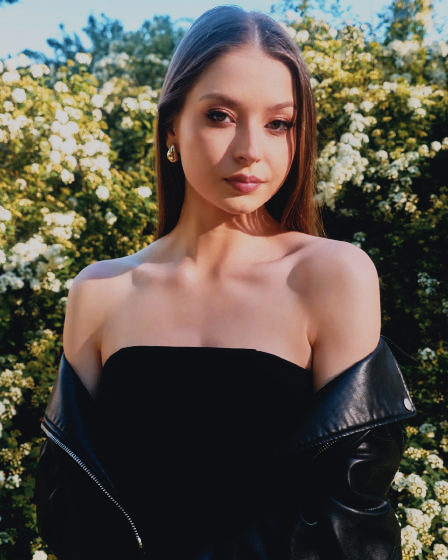
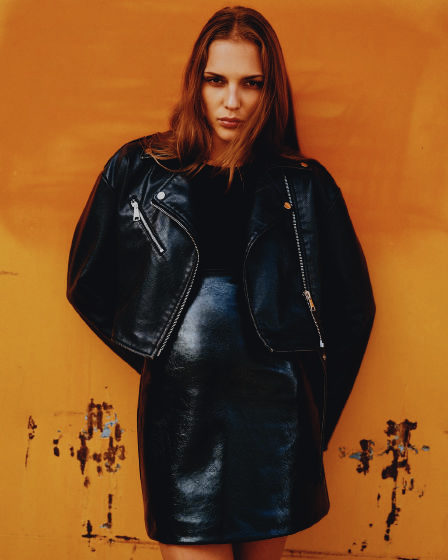
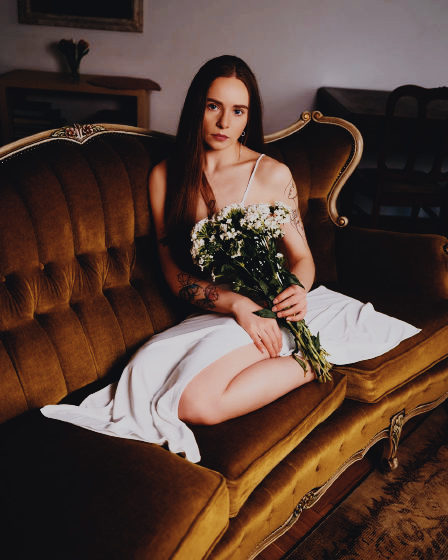
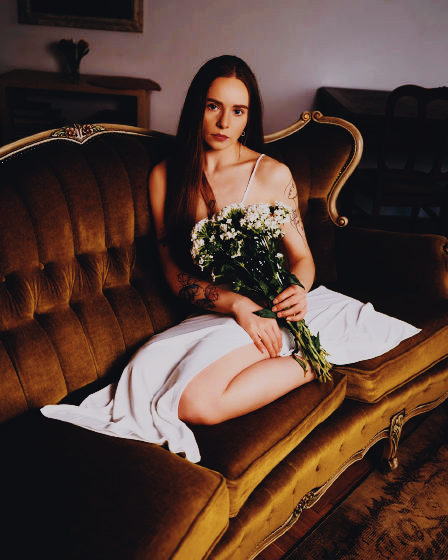
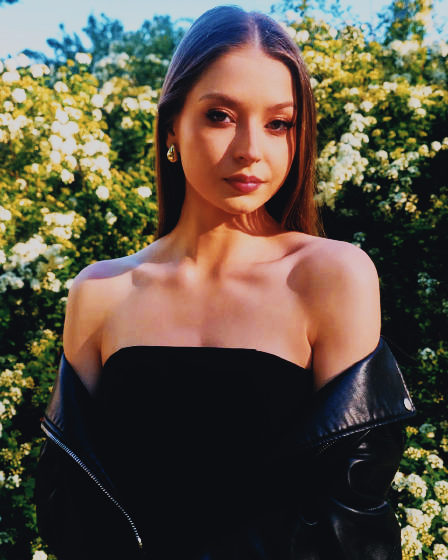
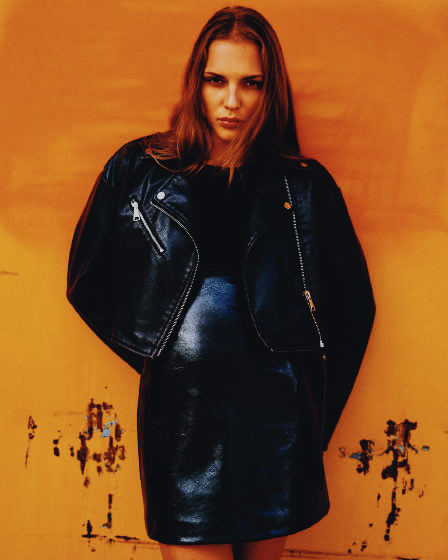
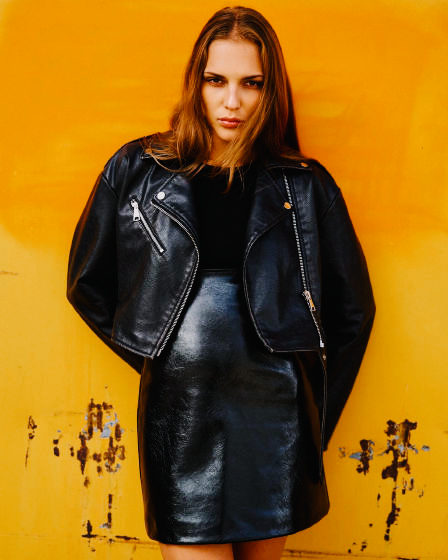
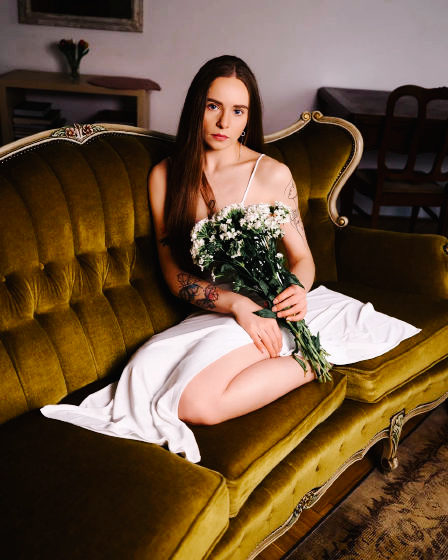
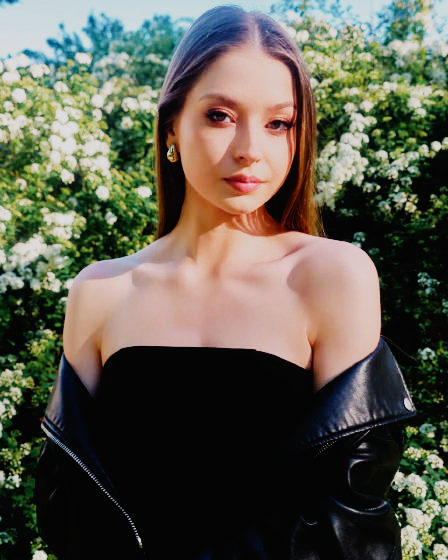
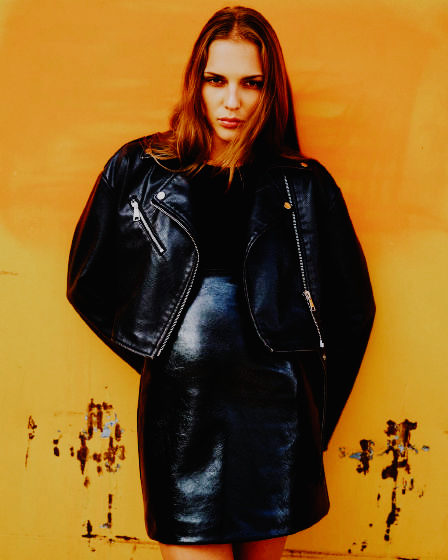
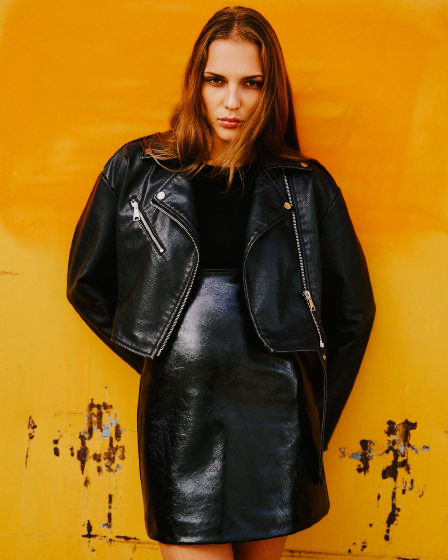
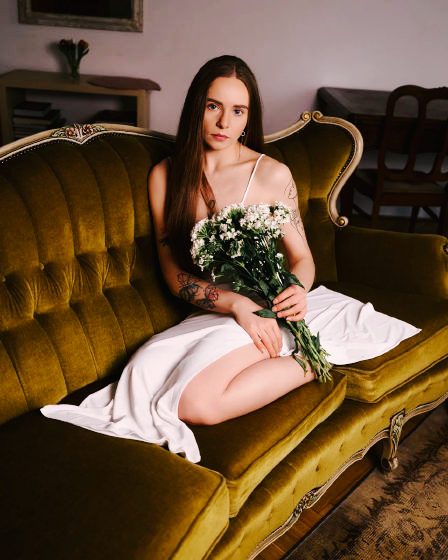
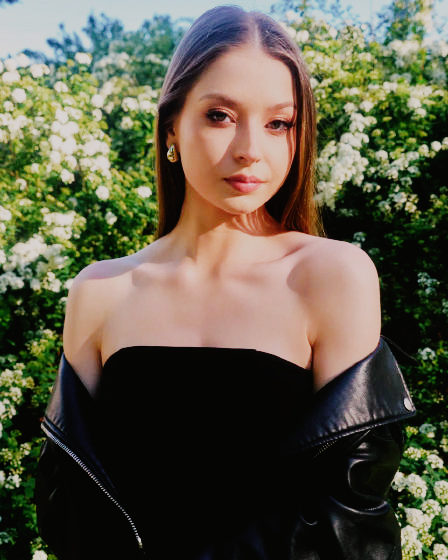
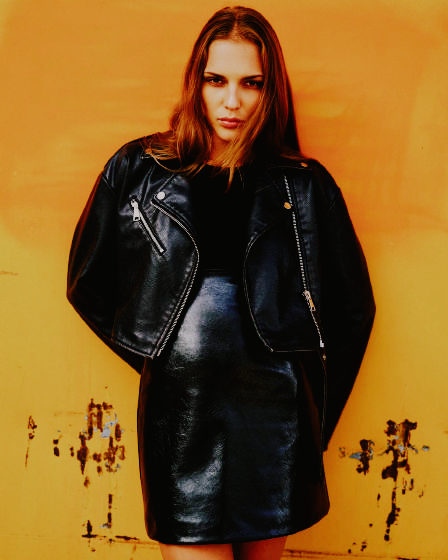
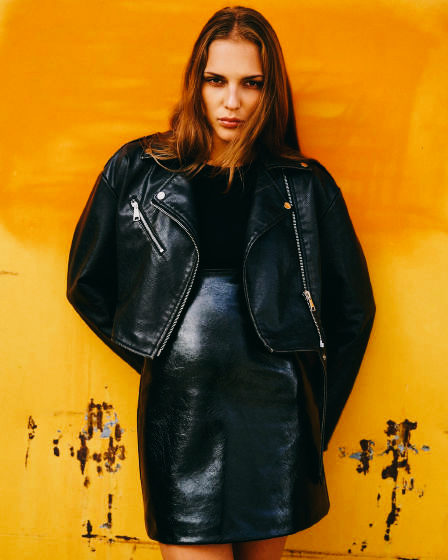
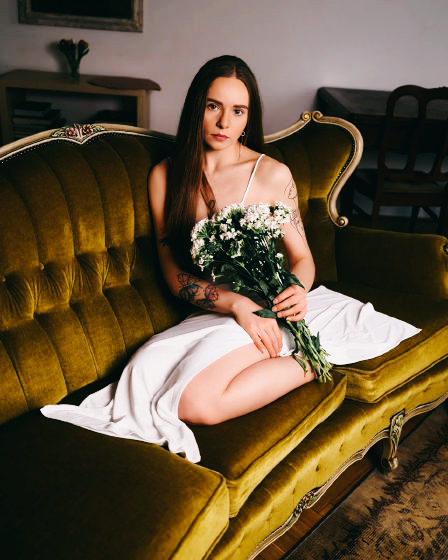
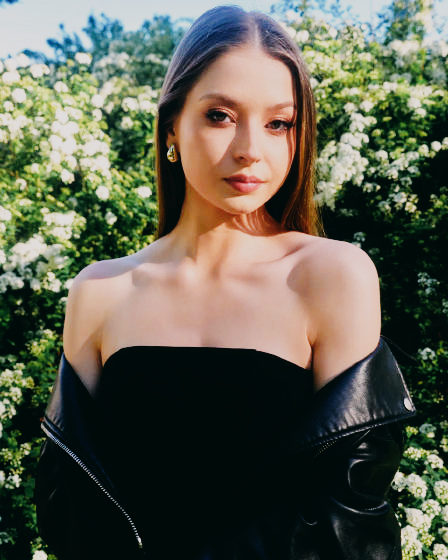
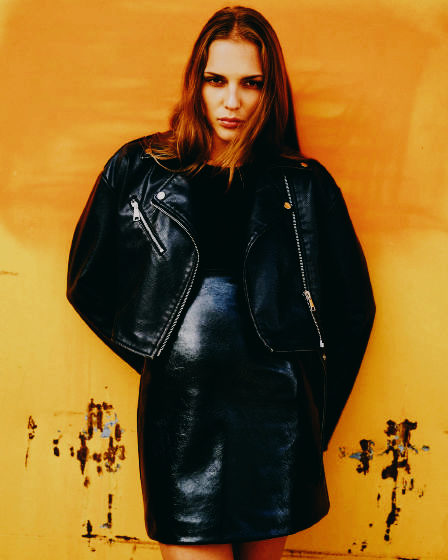
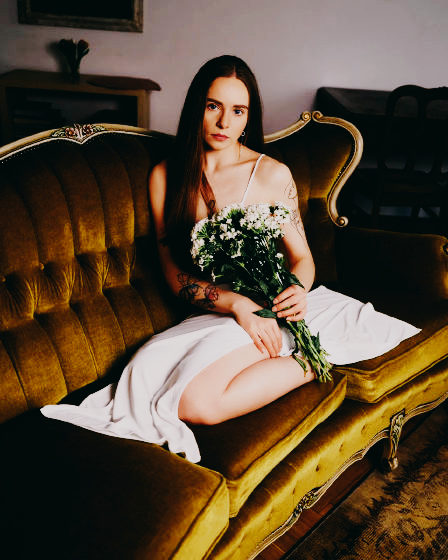
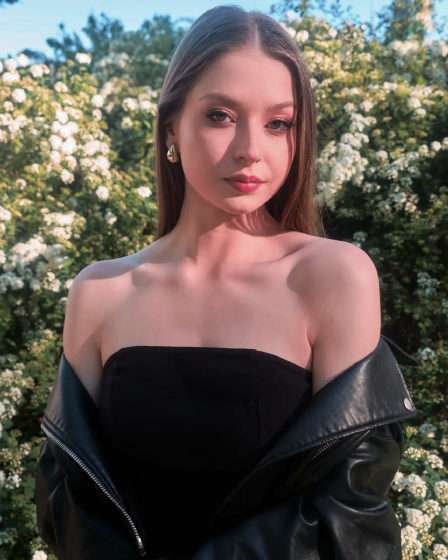
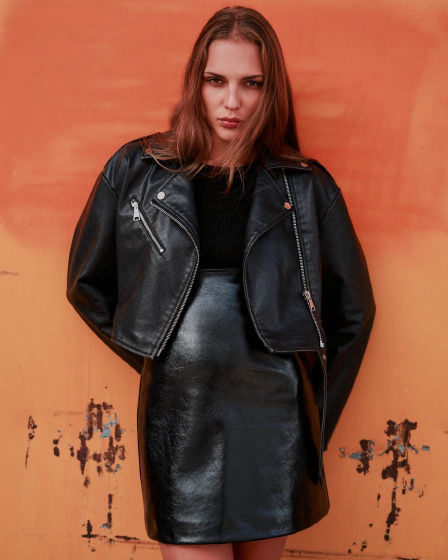
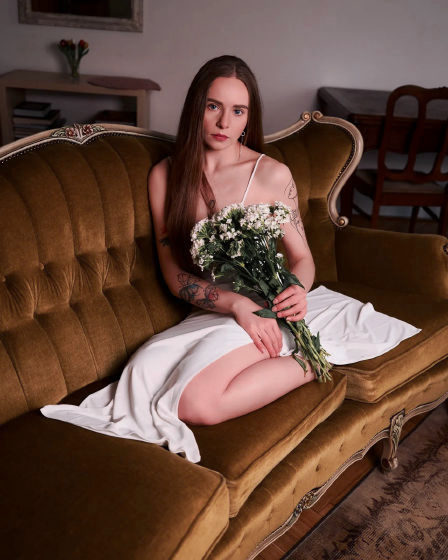
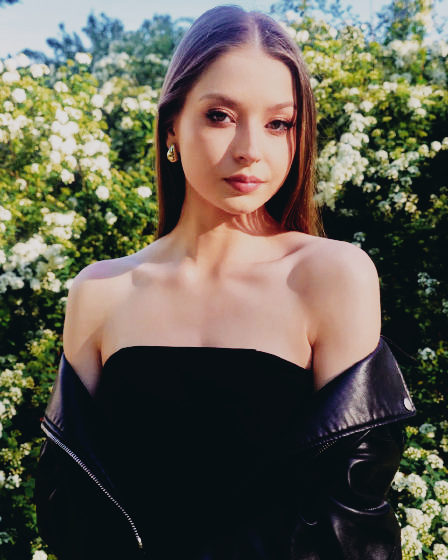
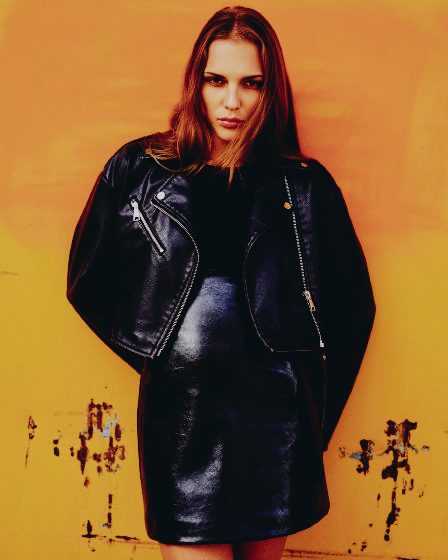
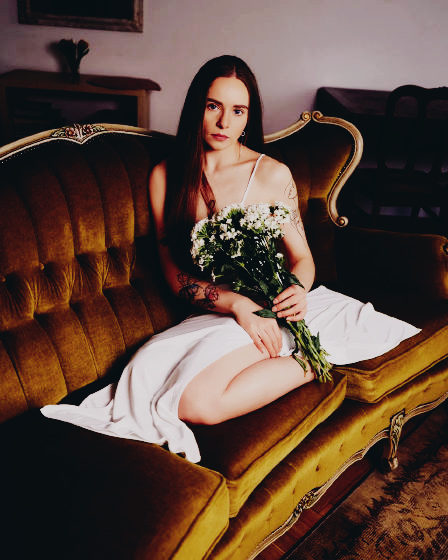
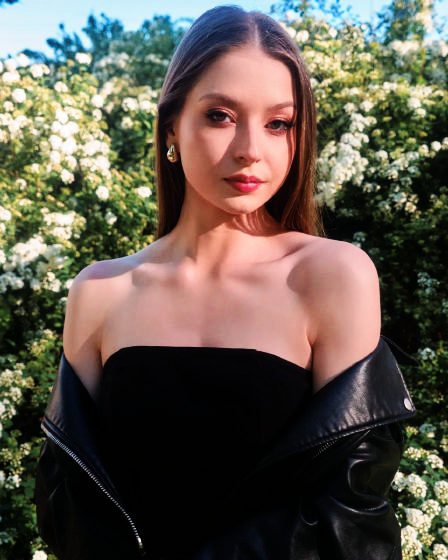
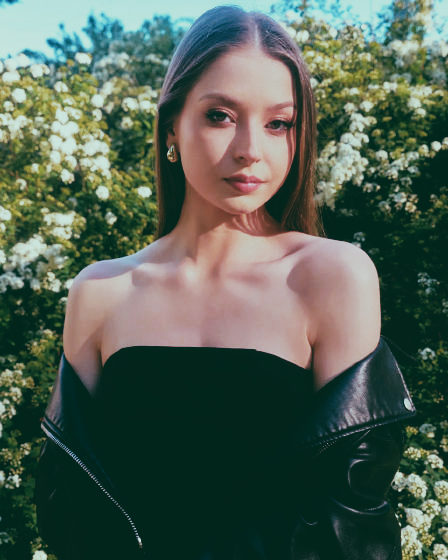
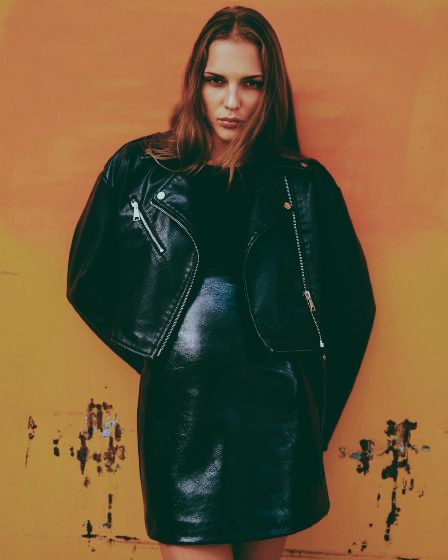
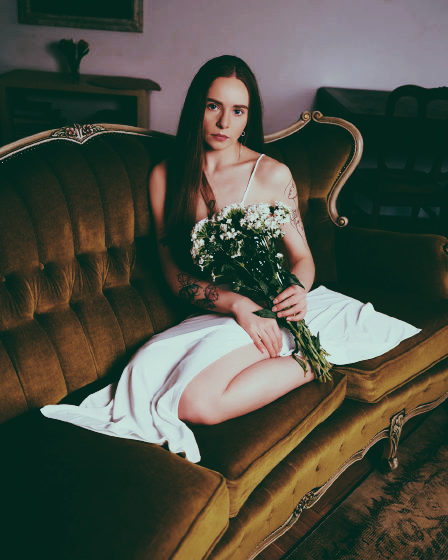
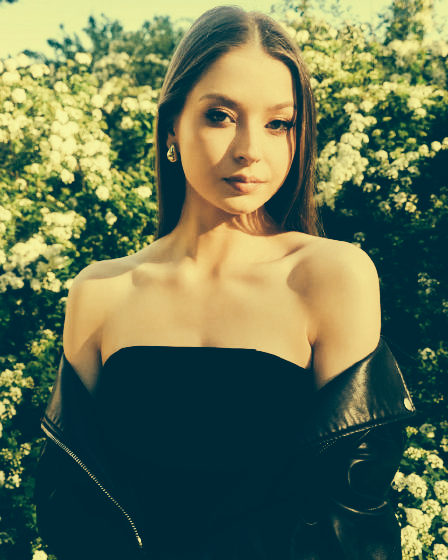
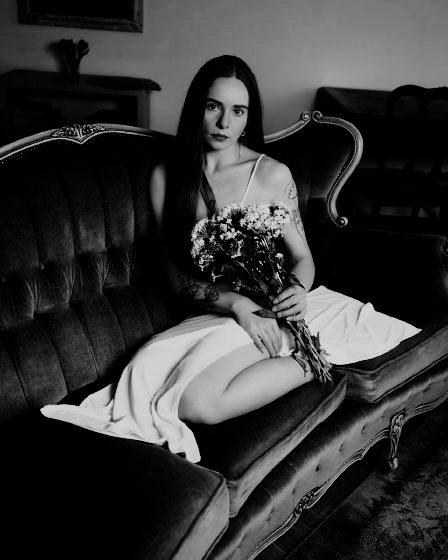
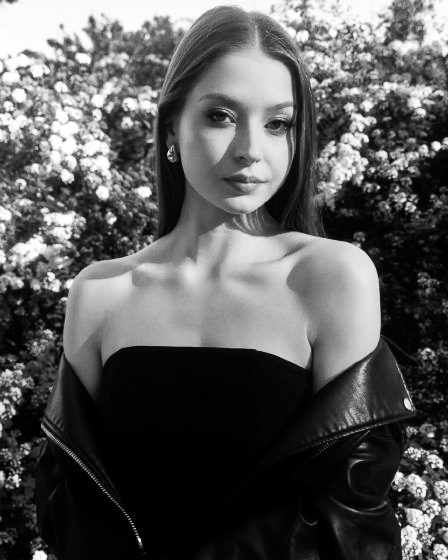
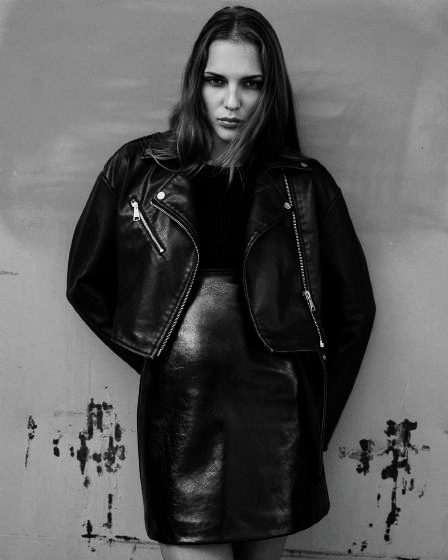
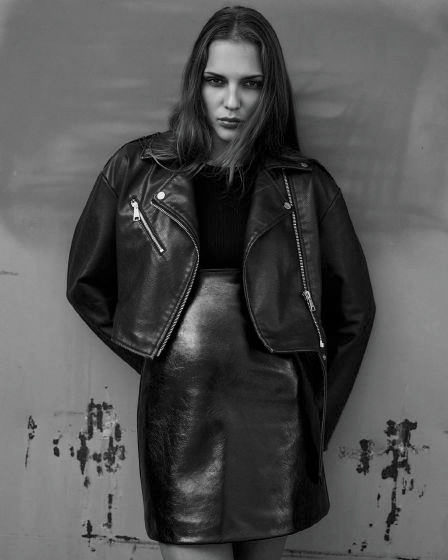
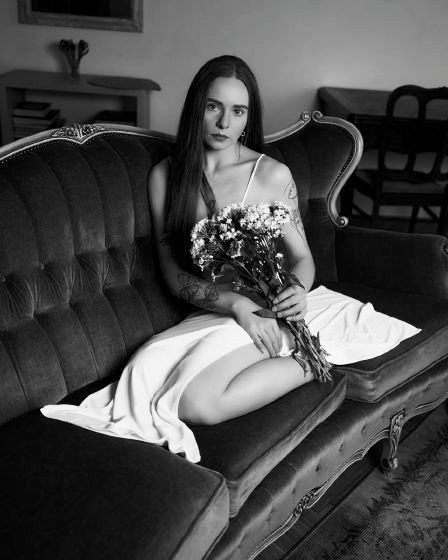
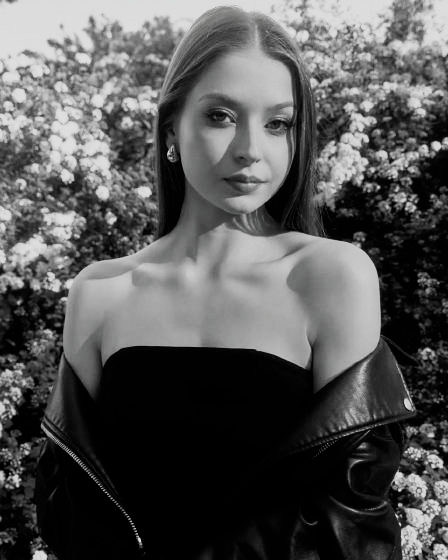
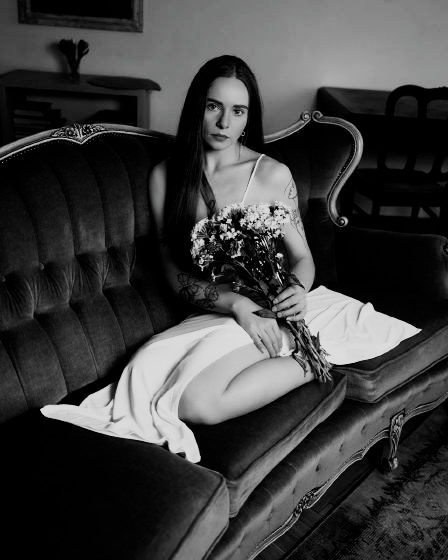
Dein Look, direkt aus der Kamera
LUMIX Real Time LUTs

Alles läuft in deinem Browser. Fotos, HALDs und LUTs verlassen deinen Rechner nie: kein Upload, kein Server, kein Konto.

Marcin Piwek · Wroclaw · LUMIX Real Time LUTs

Looks für Real Time LUT

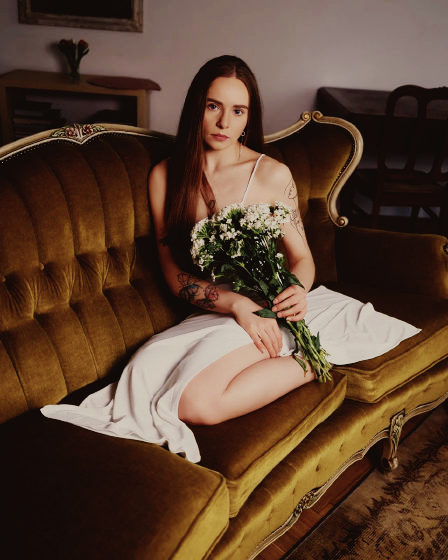
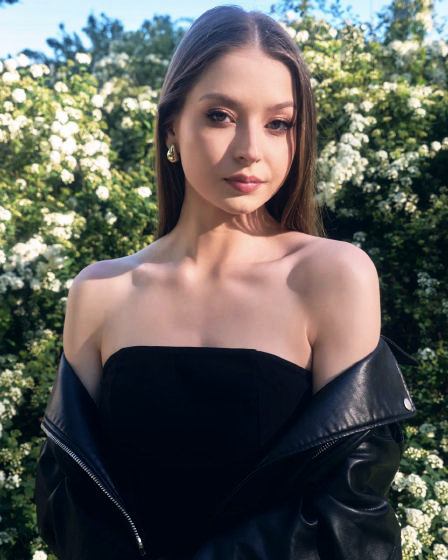
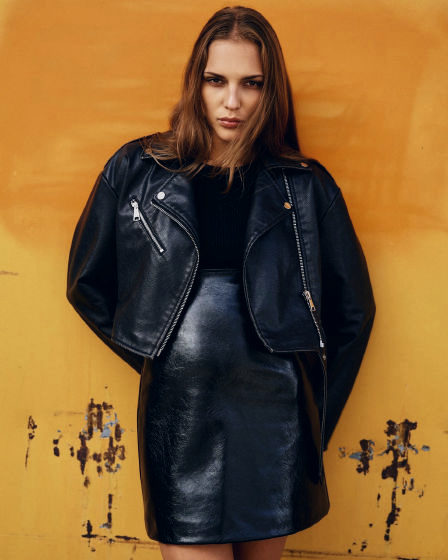
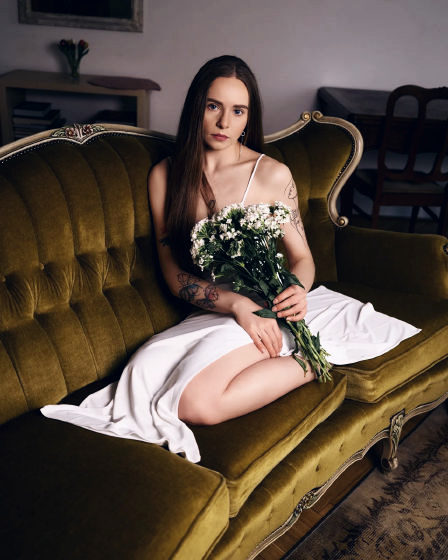
Meine eigenen Looks mit den Kameraeinstellungen, die ich nutze, sowie eine Bibliothek mit Filmlooks aus offenen Projekten – mit Namensnennung und unter den jeweiligen Lizenzen. Jeder Look ist kostenlos, läuft in der Kamera mit Real Time LUT und hat einen SD-kartentauglichen Dateinamen.

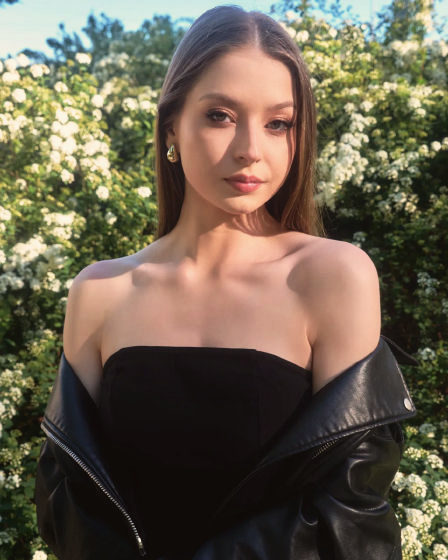
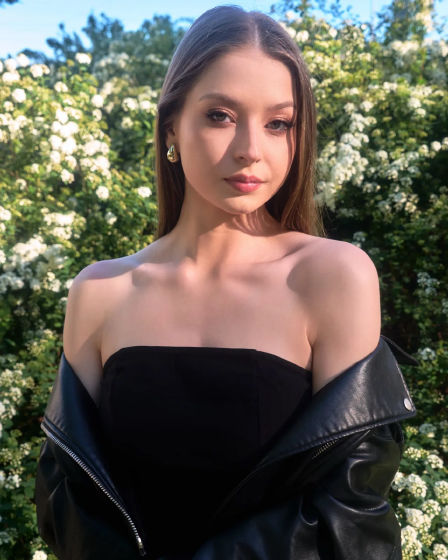
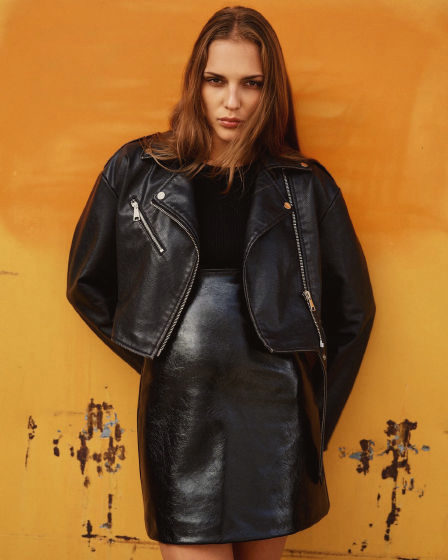
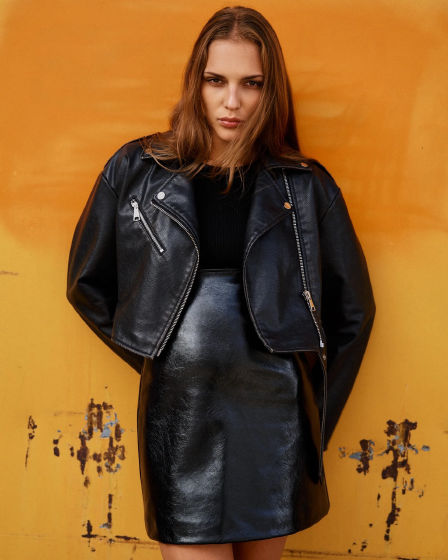
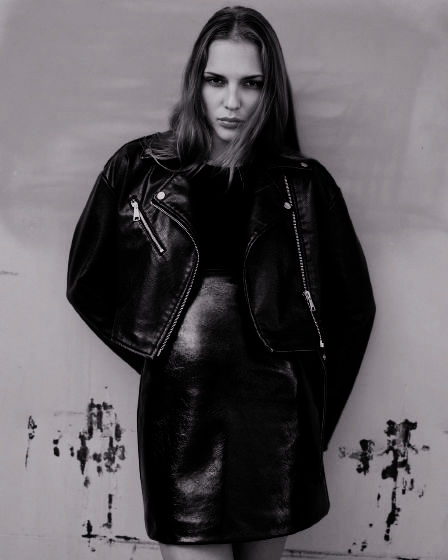
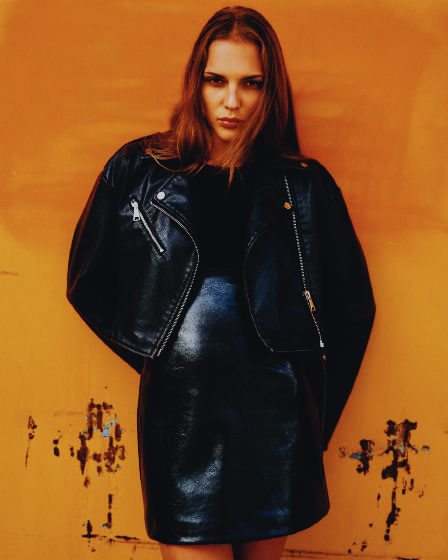
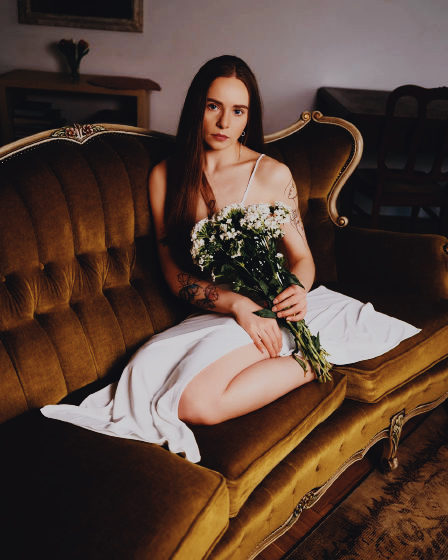
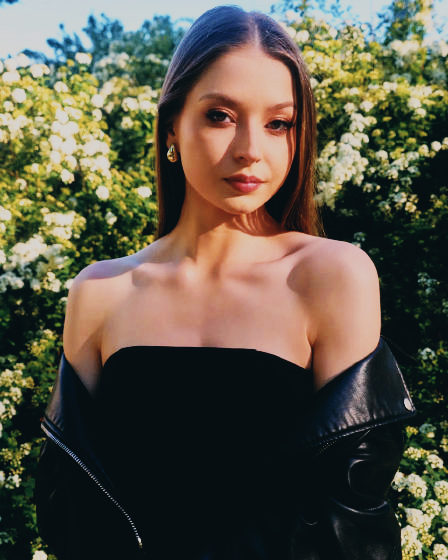
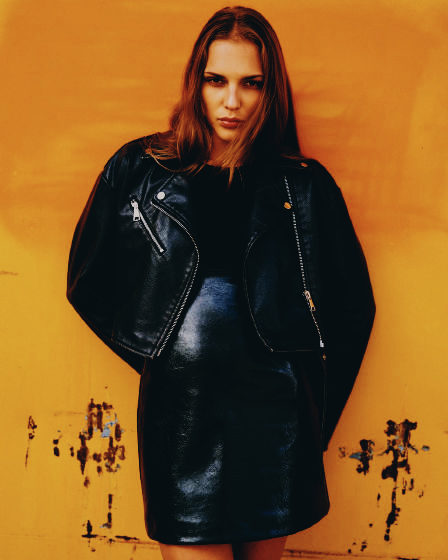
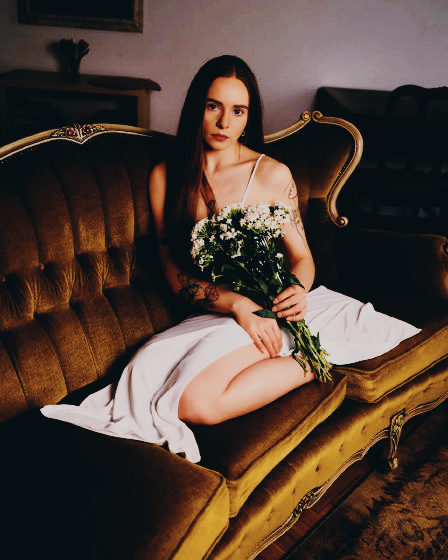
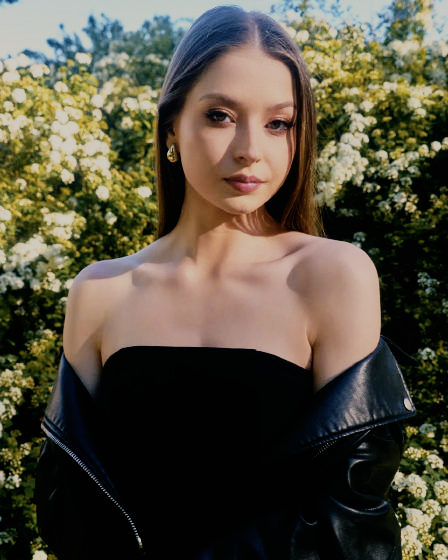
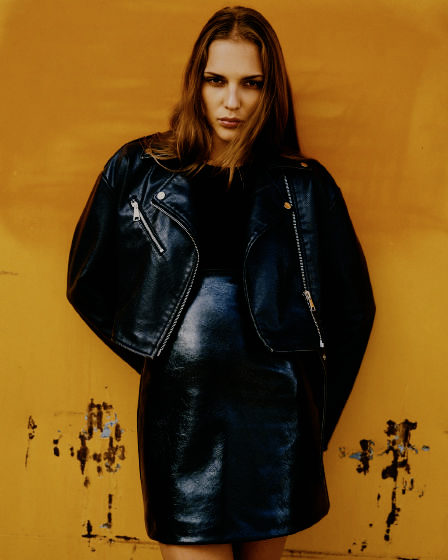
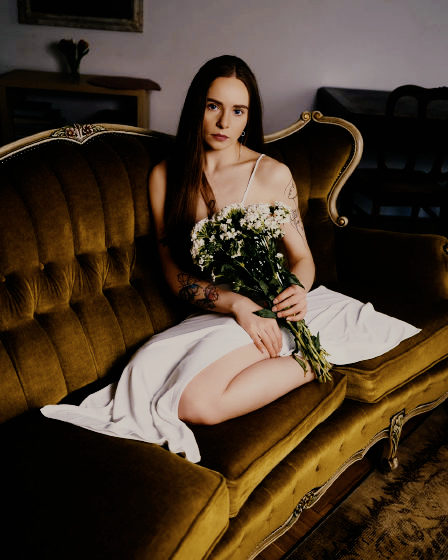
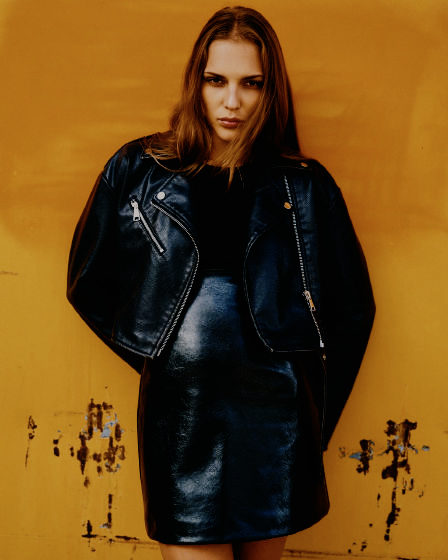
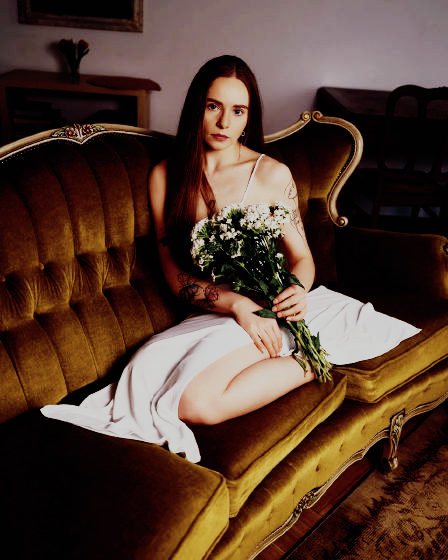
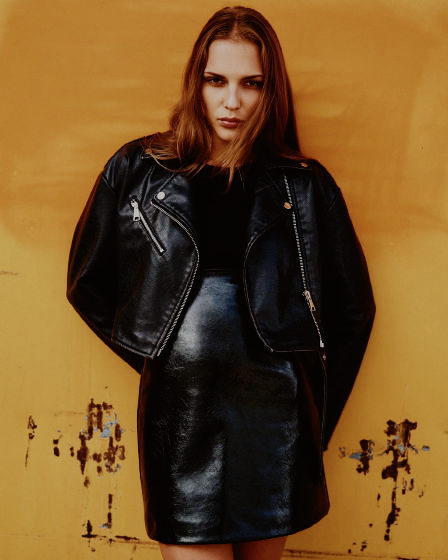
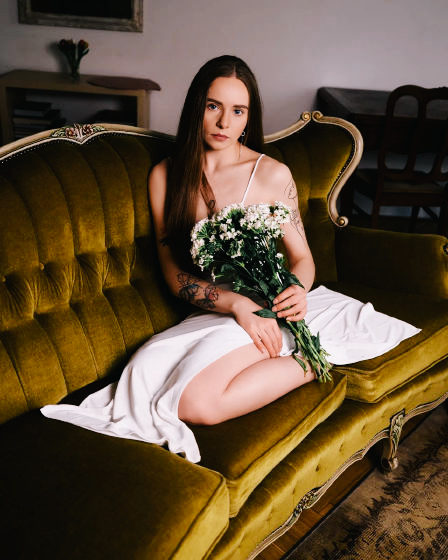
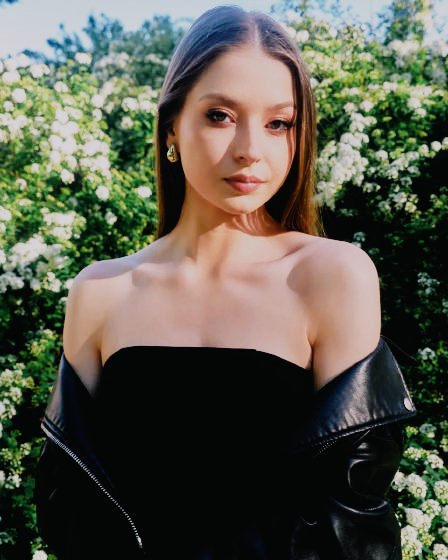
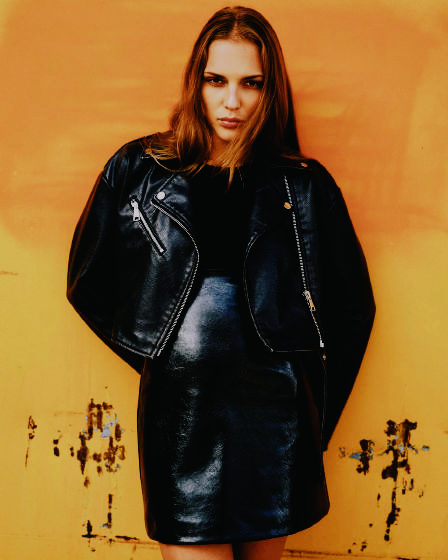
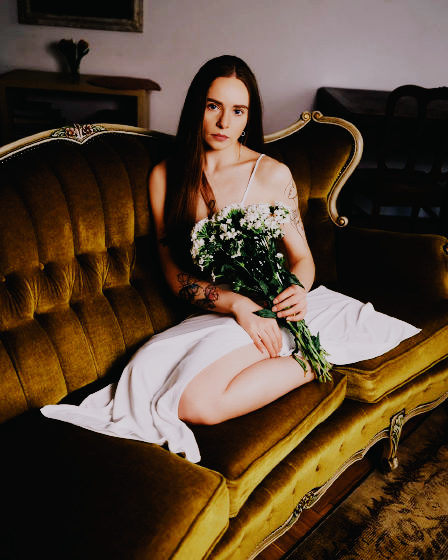
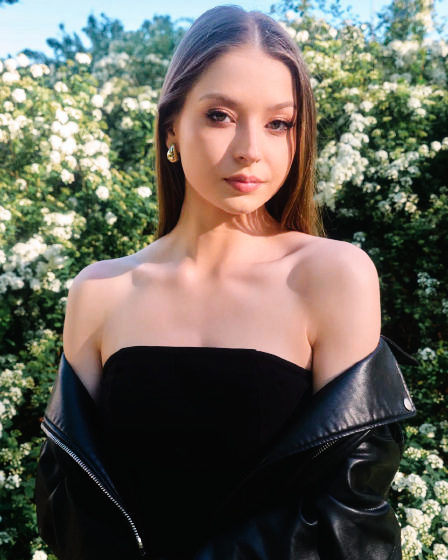
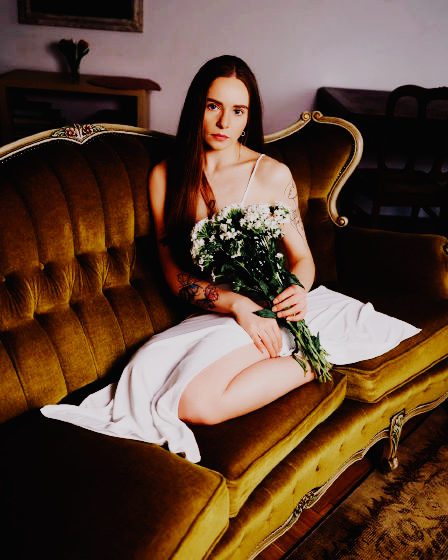
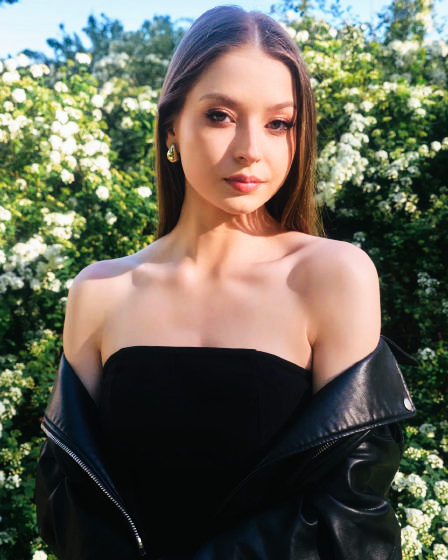
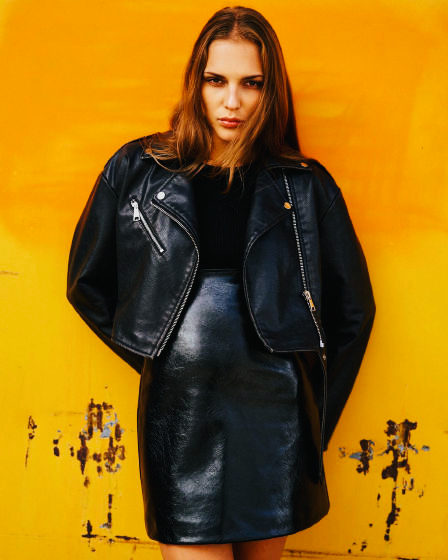
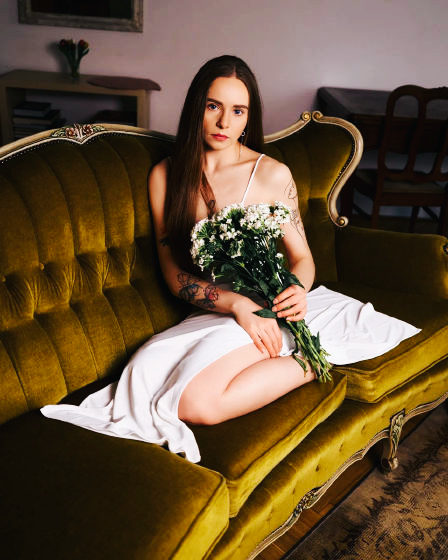
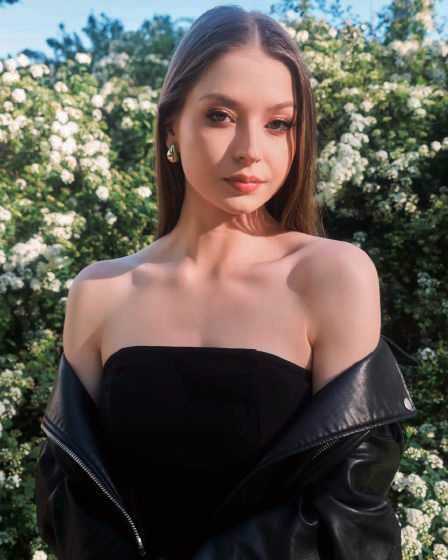
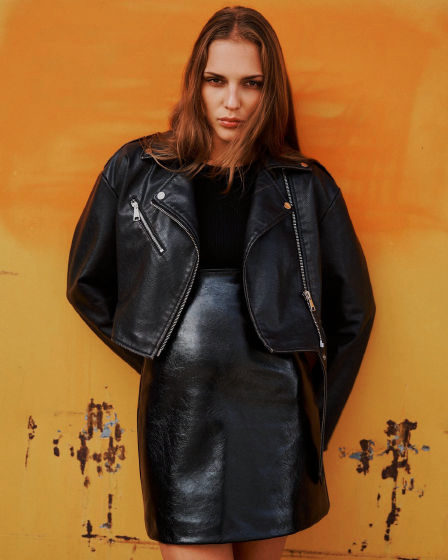
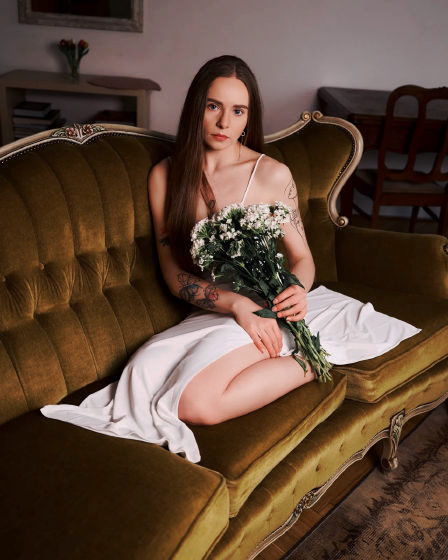
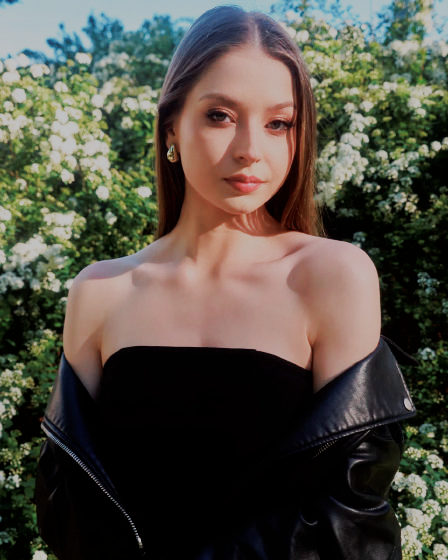
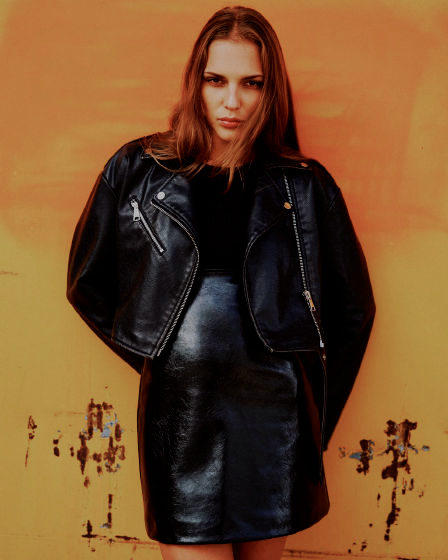
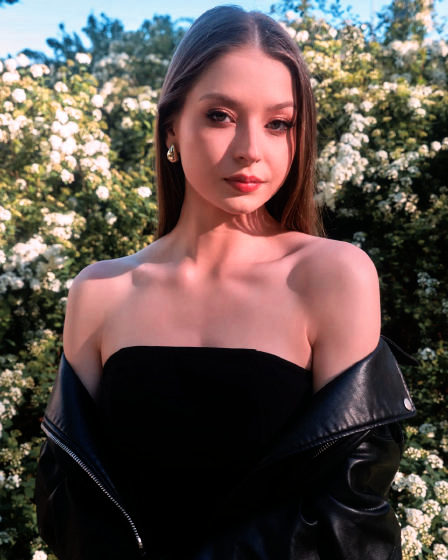
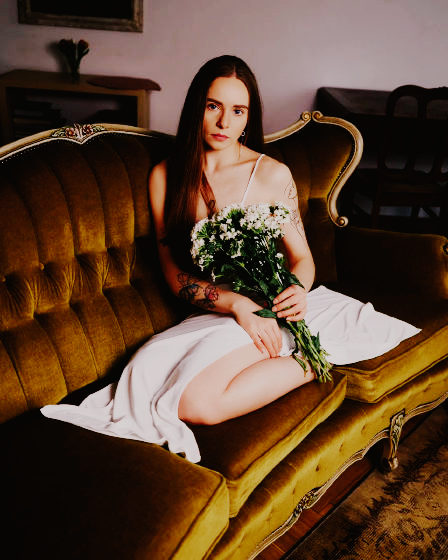
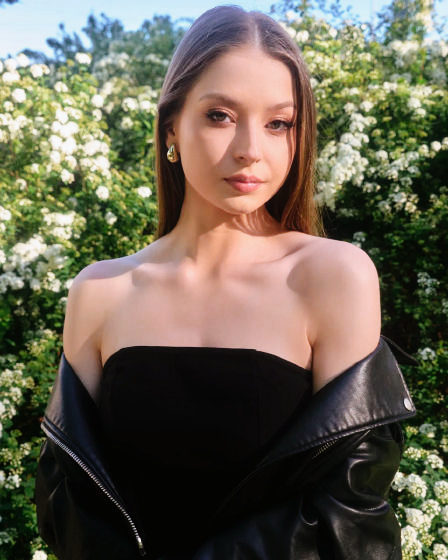
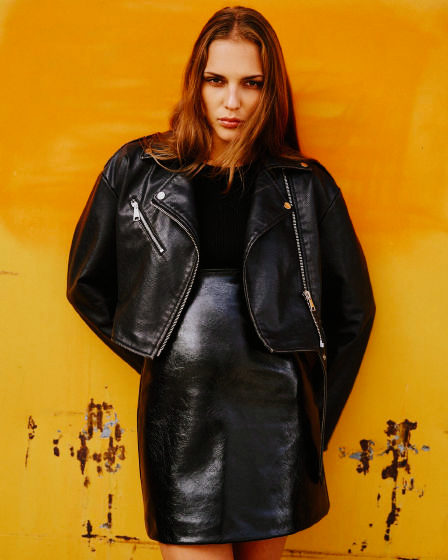
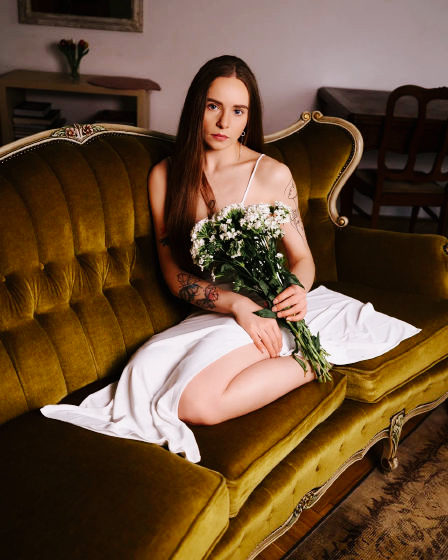
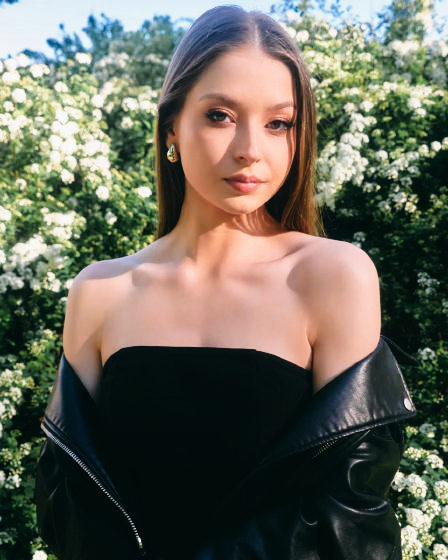
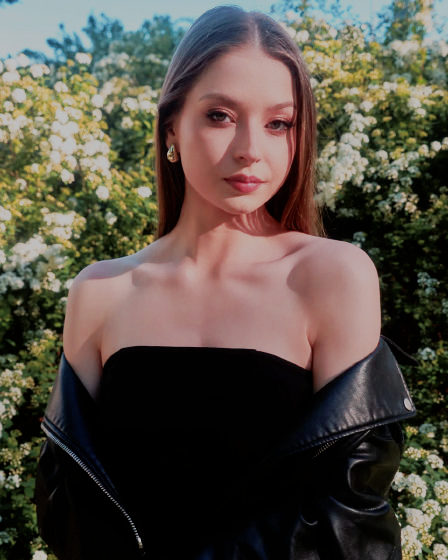
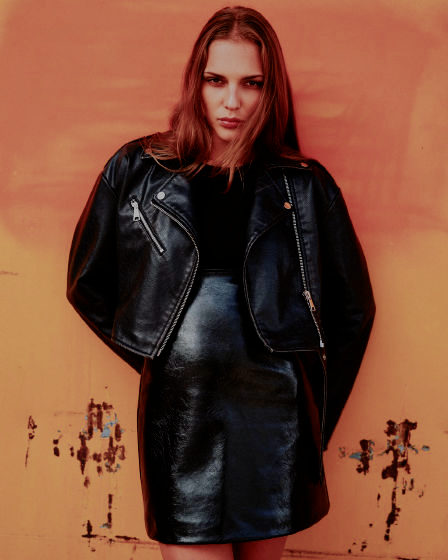
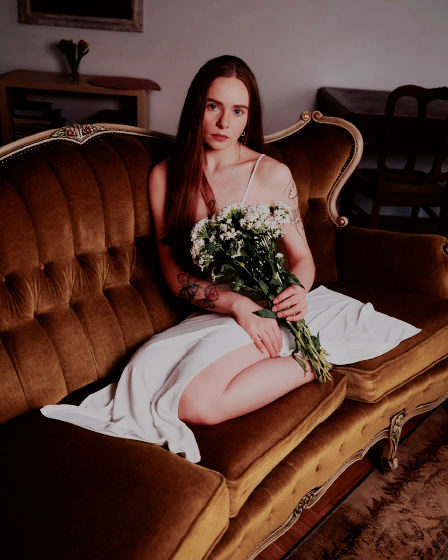
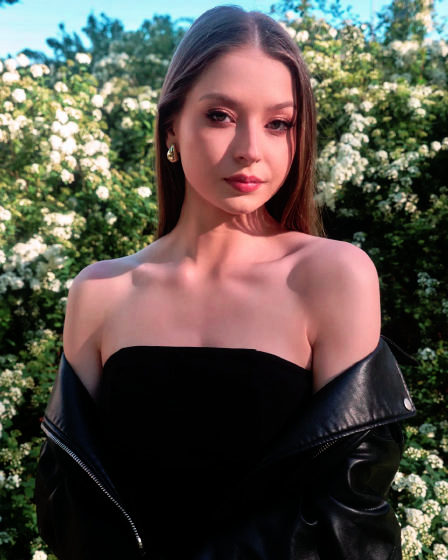
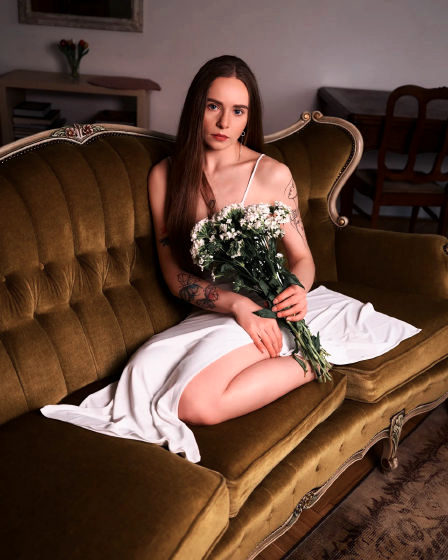
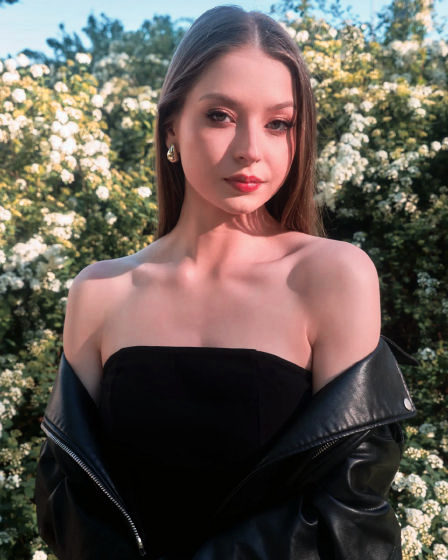
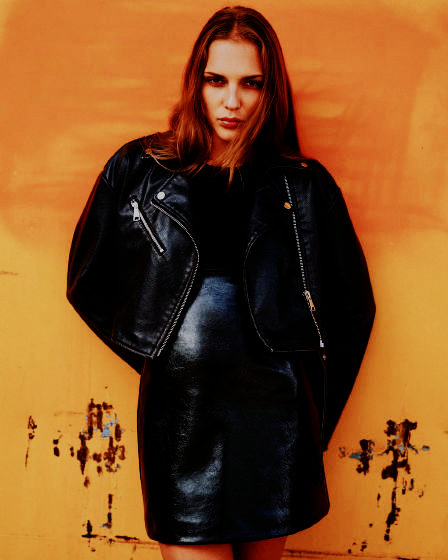
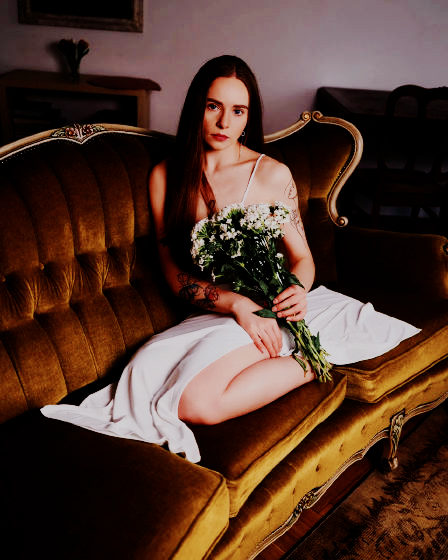
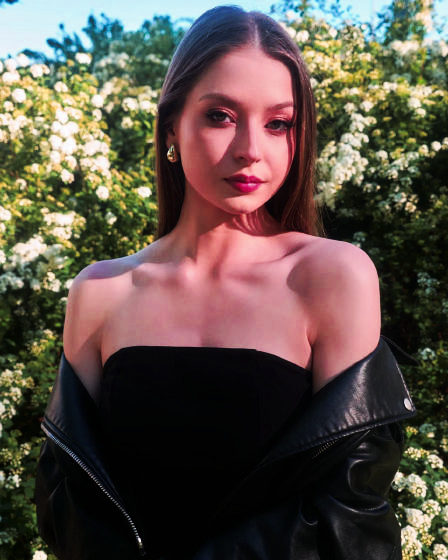
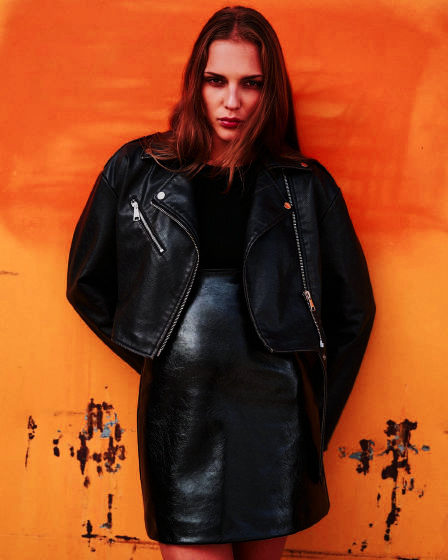
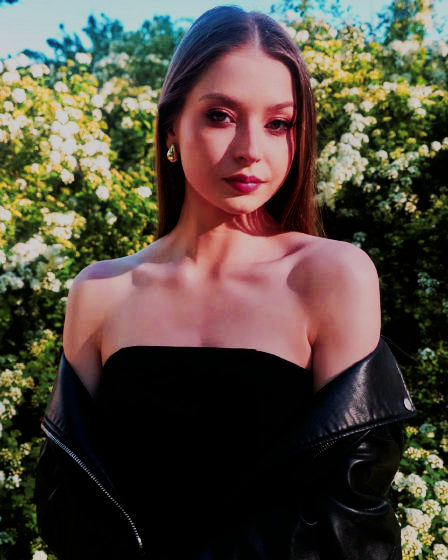
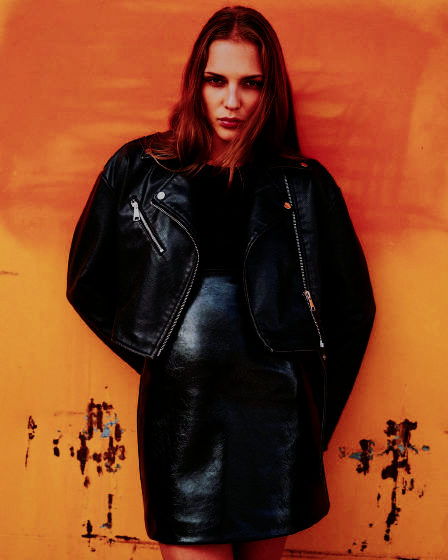
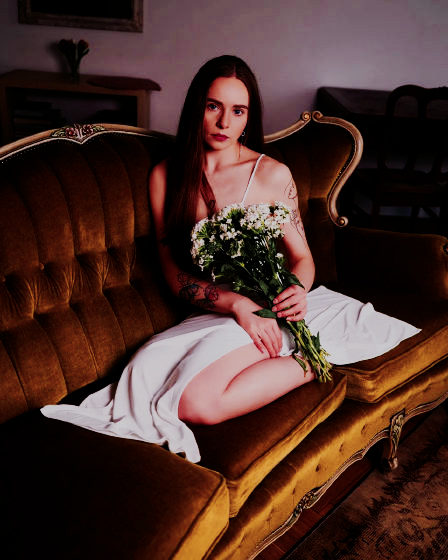
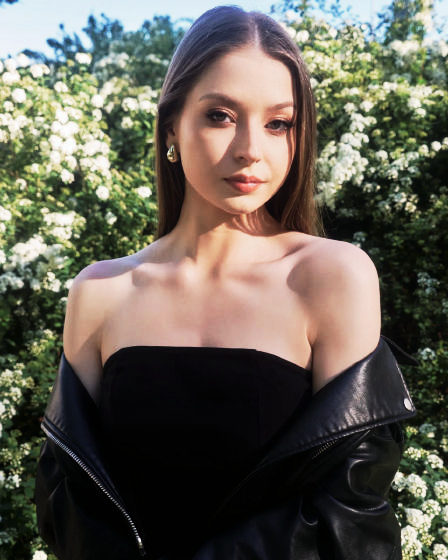
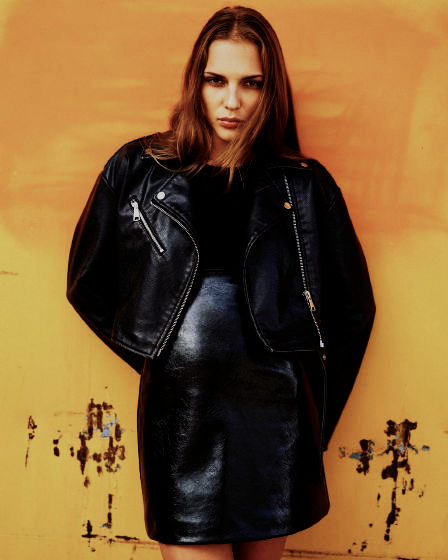
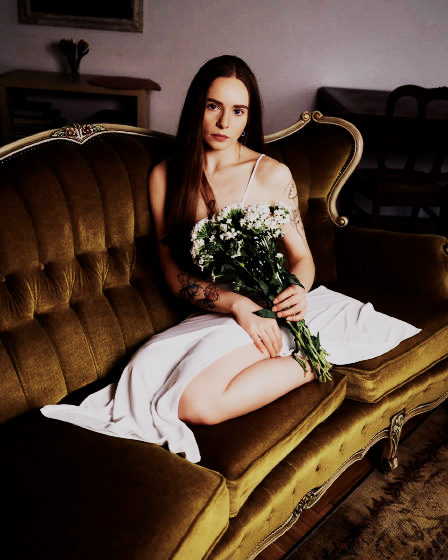
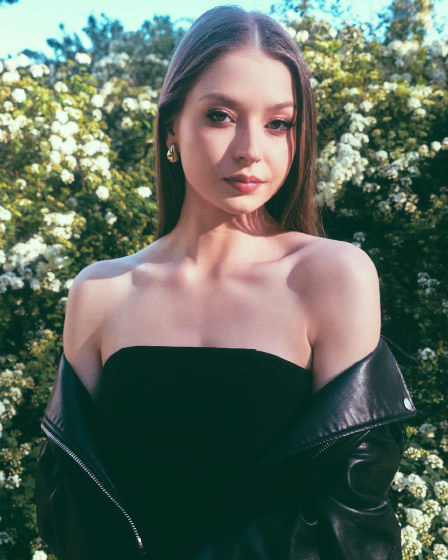
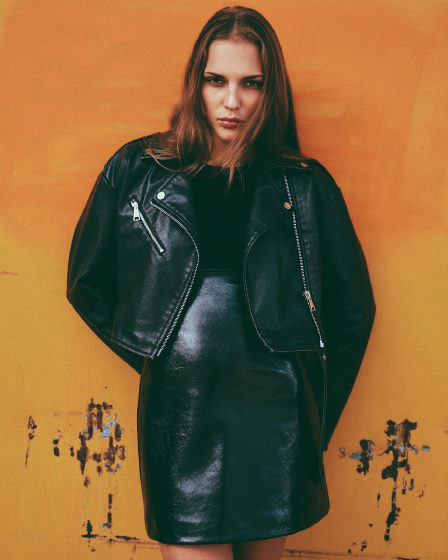
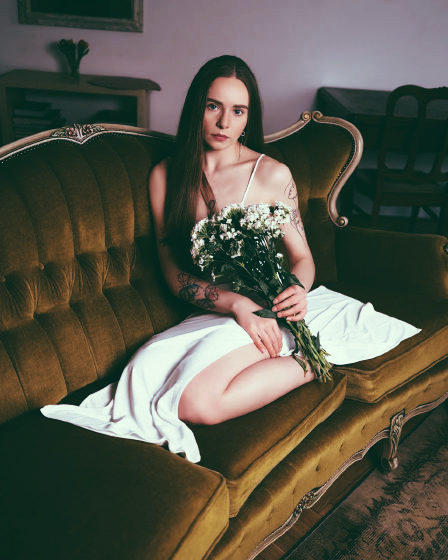
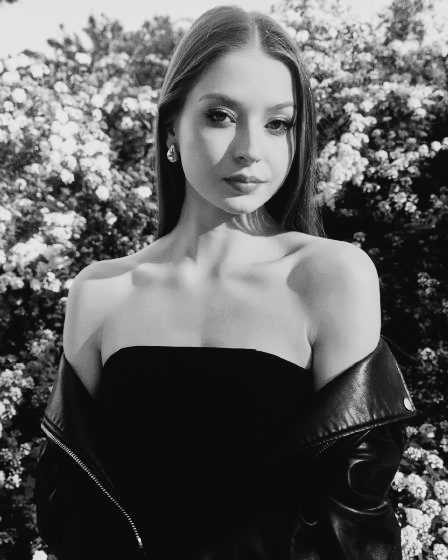
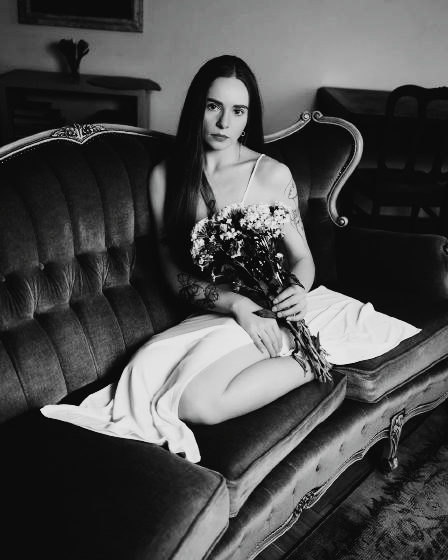
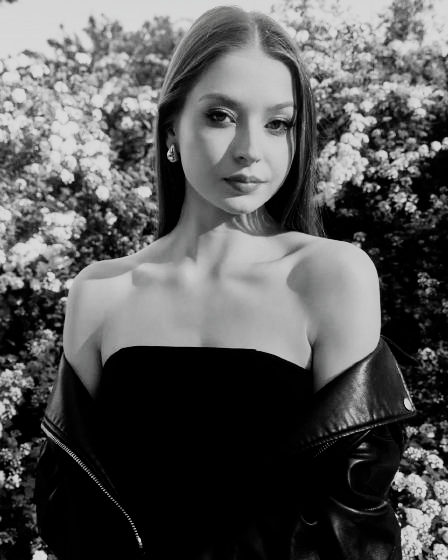
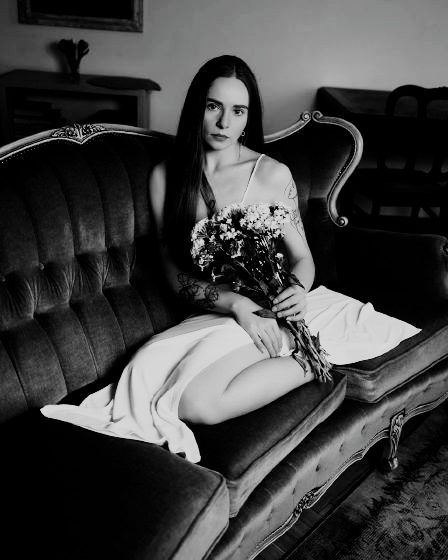
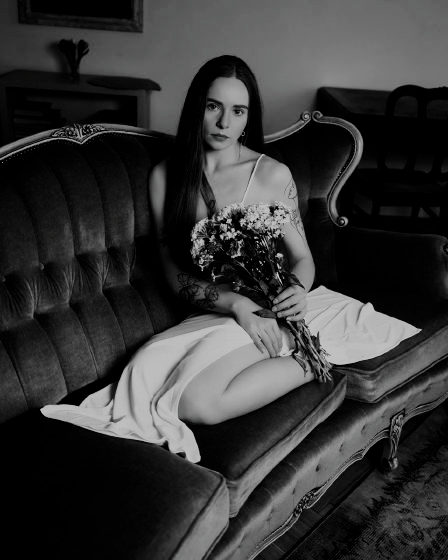
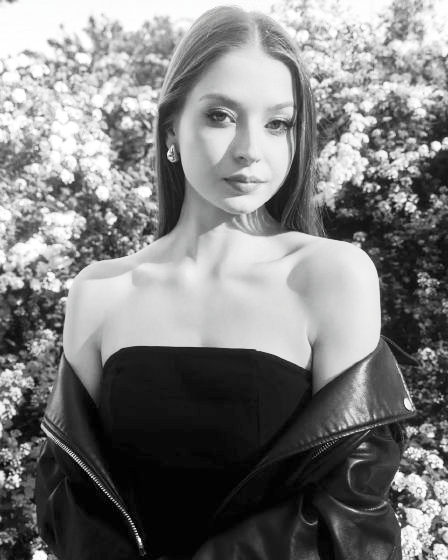
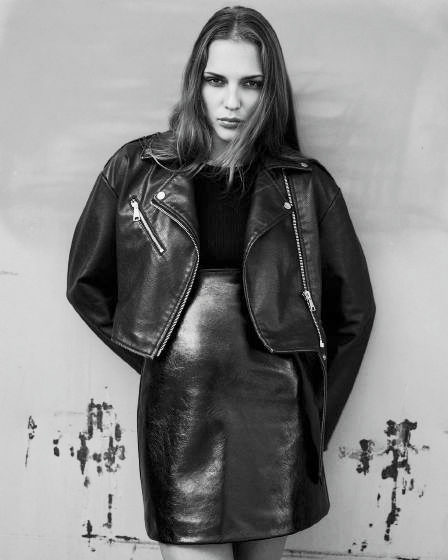
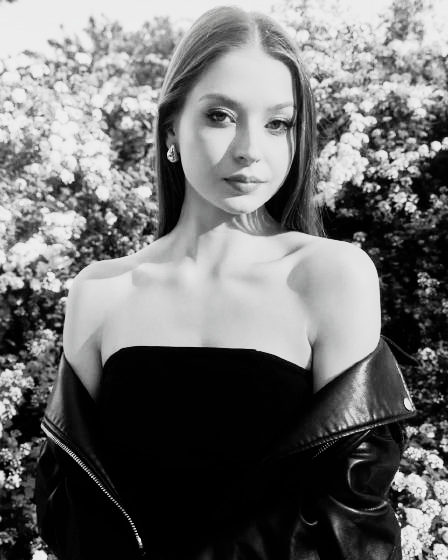
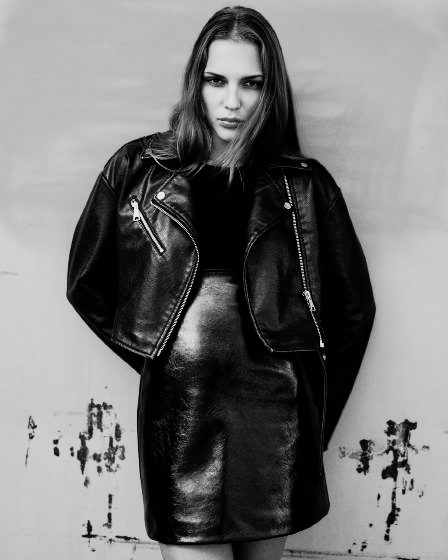
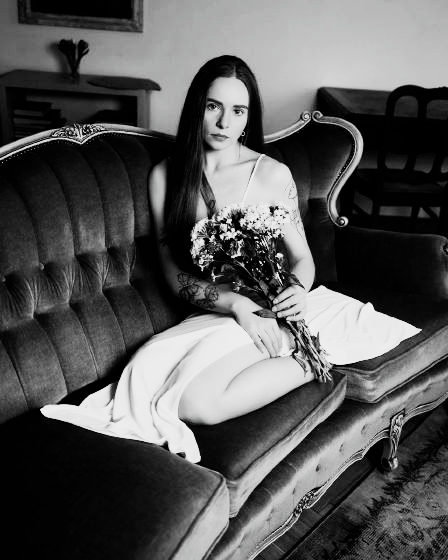
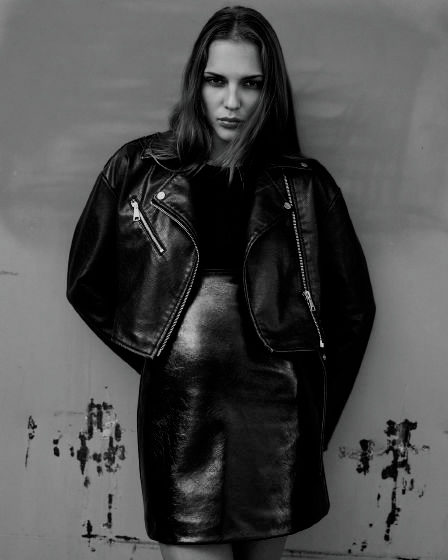
Fahre über ein Foto, um es ohne den Look zu sehen.Halte ein Foto gedrückt, um es ohne den Look zu sehen.

Meine Looks

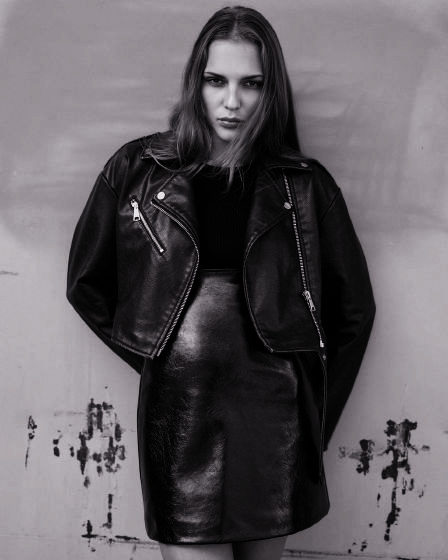
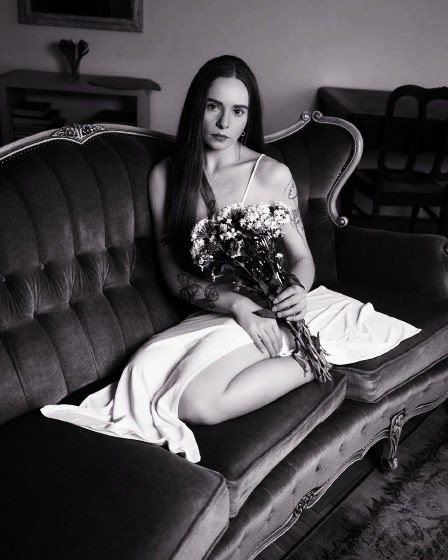
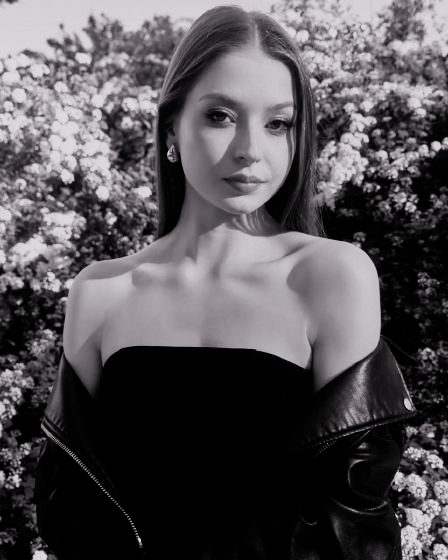
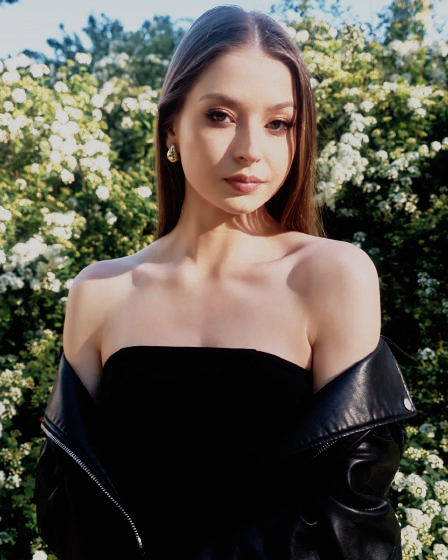
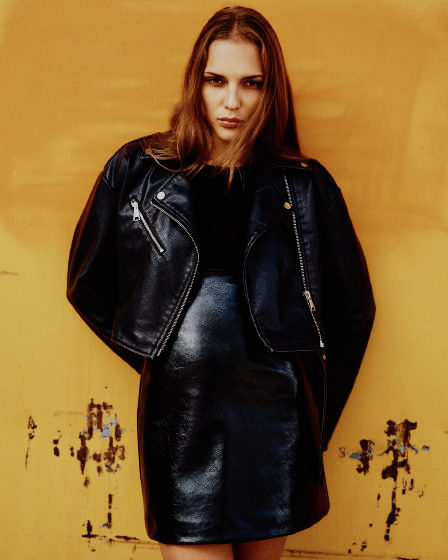
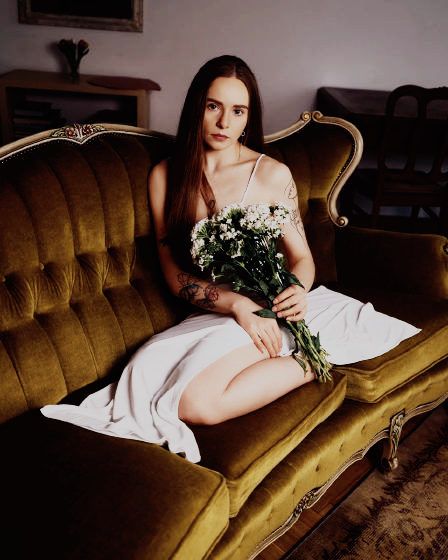
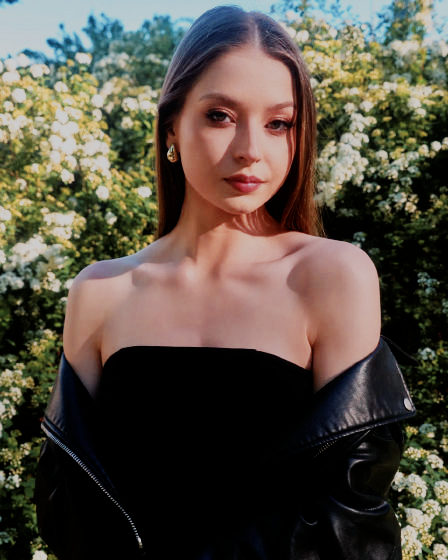
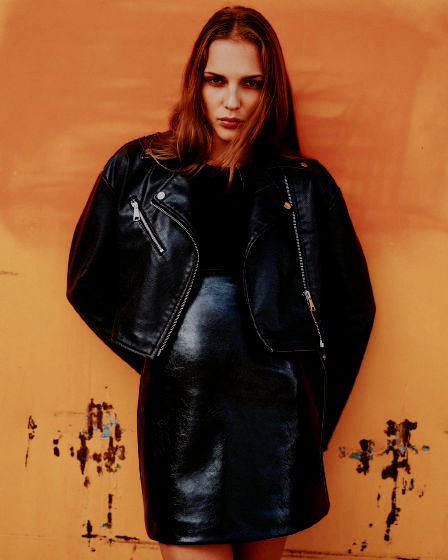
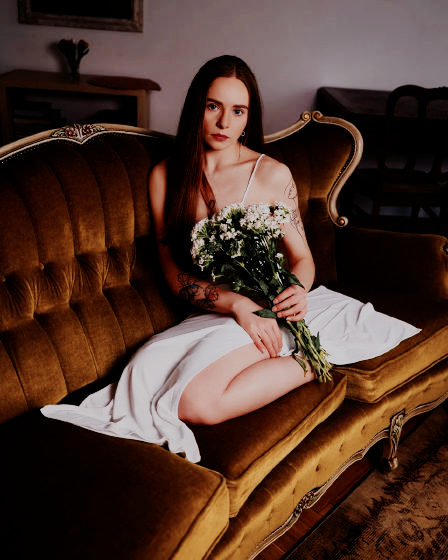
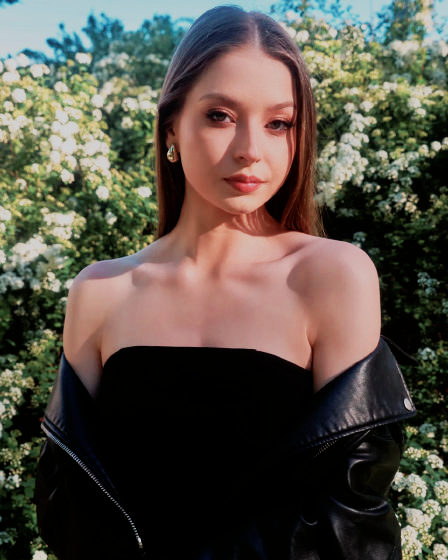
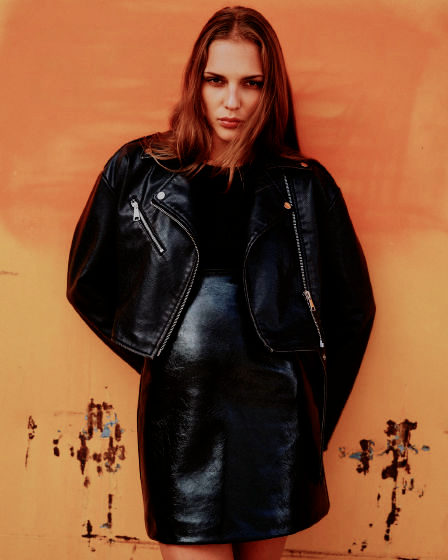
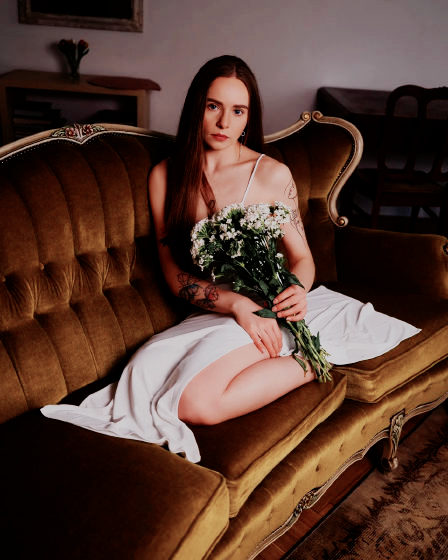
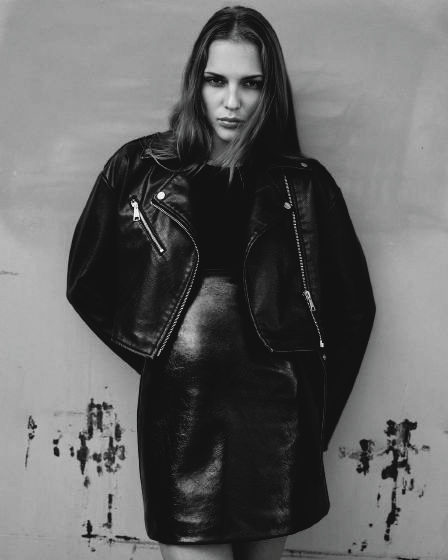
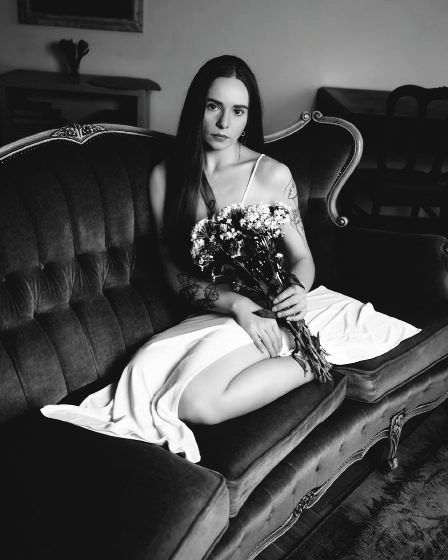
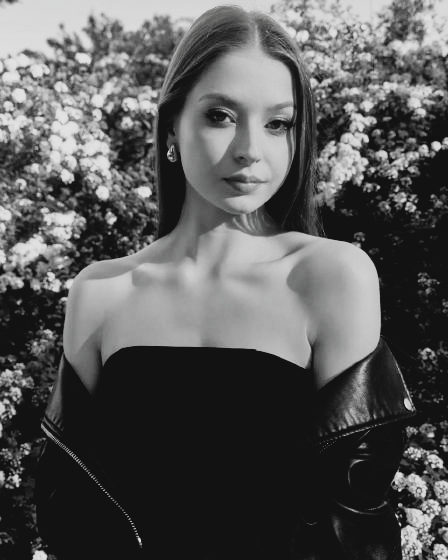
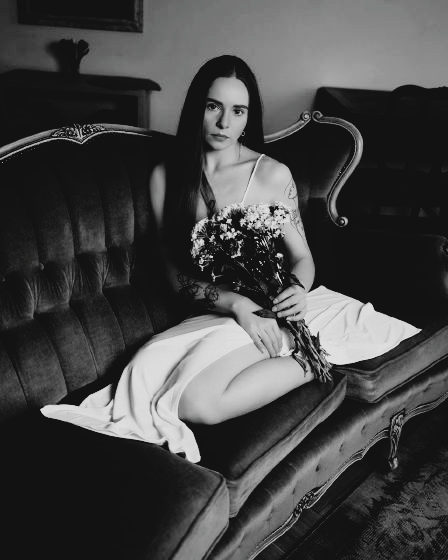
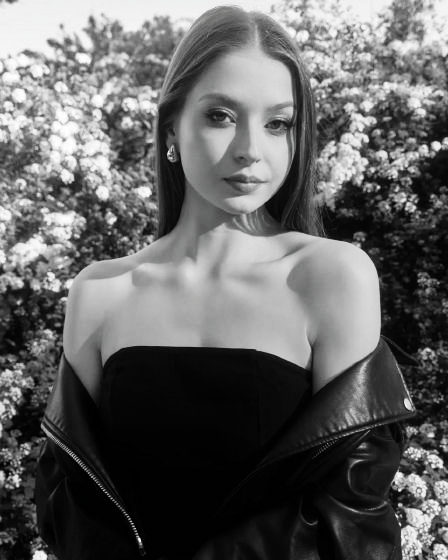
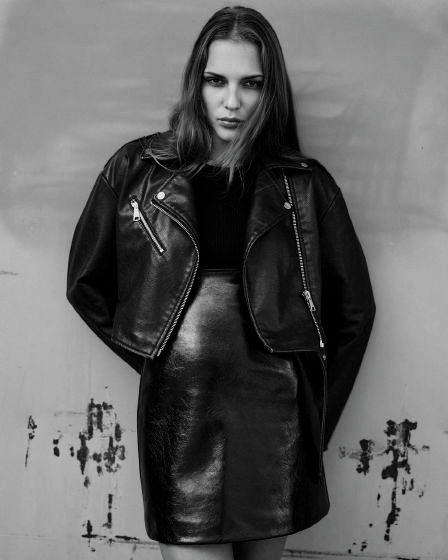
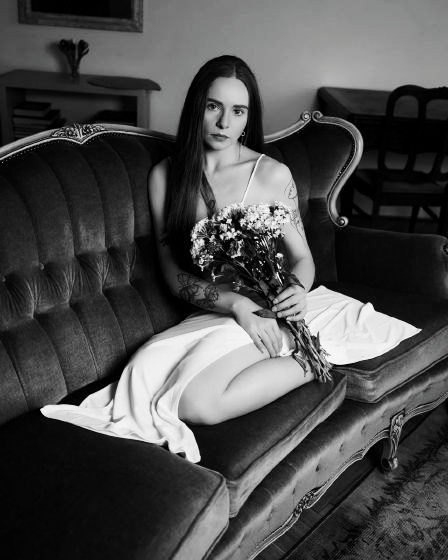
Auf meinen eigenen Fotos entwickelt, mit den Kameraeinstellungen, die ich verwende.

06
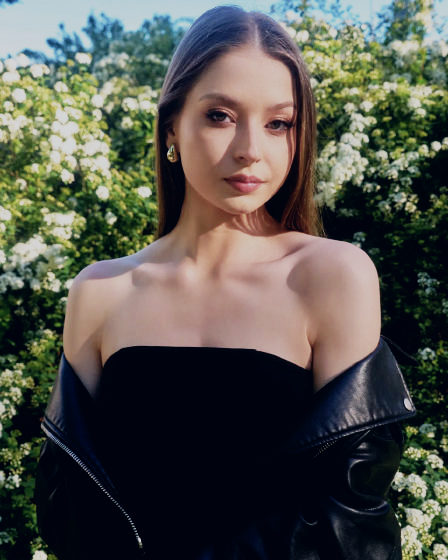
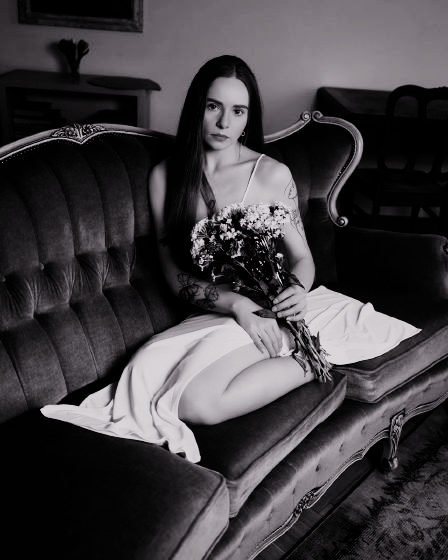
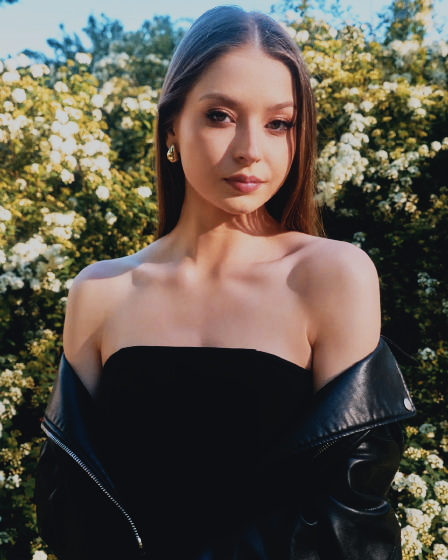
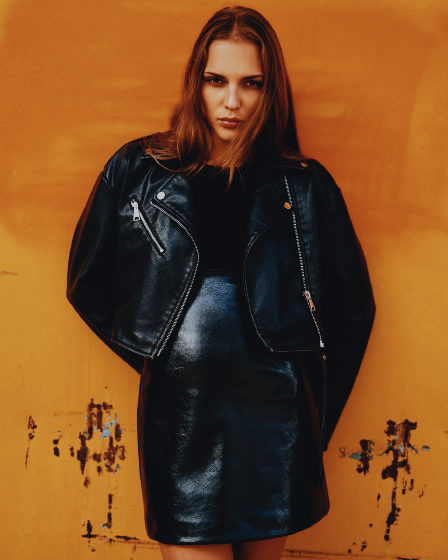
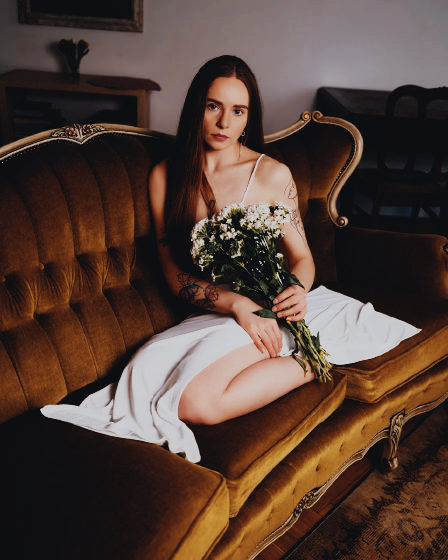
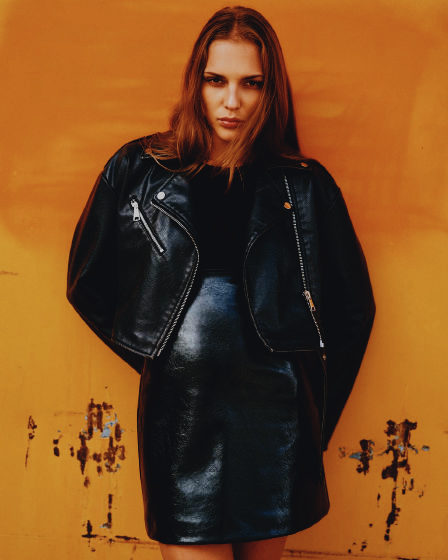
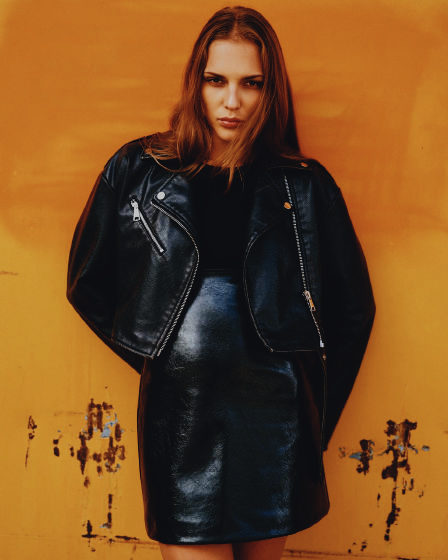
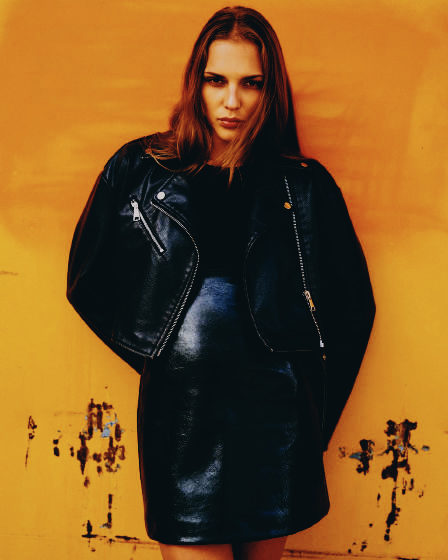
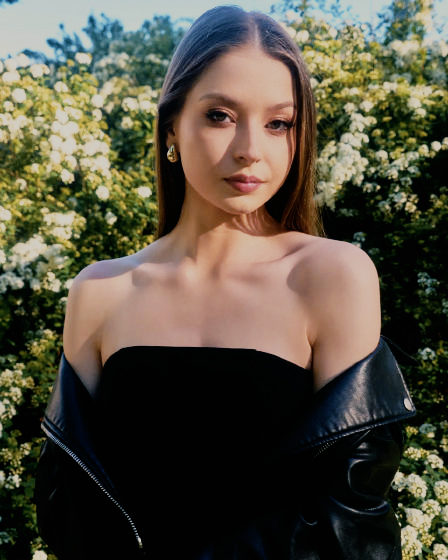
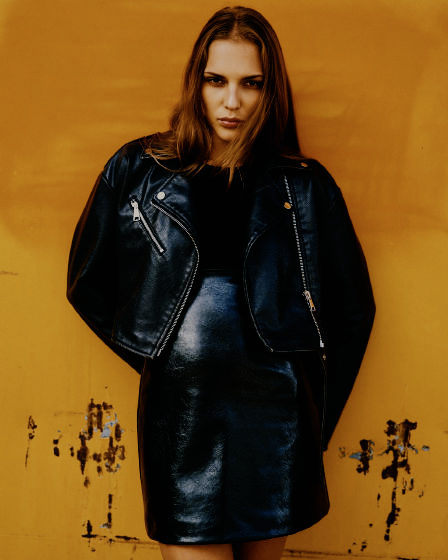
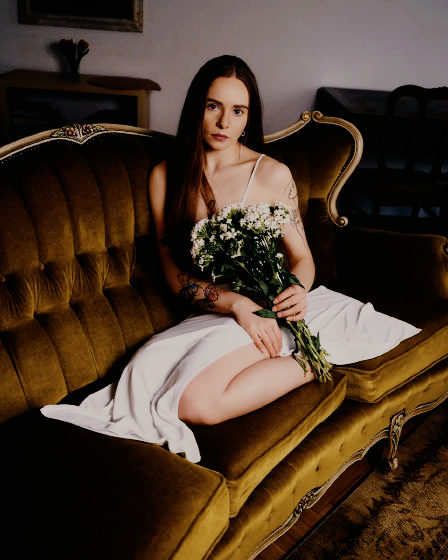
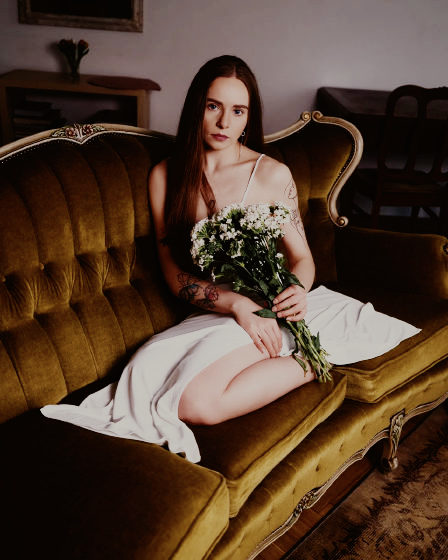
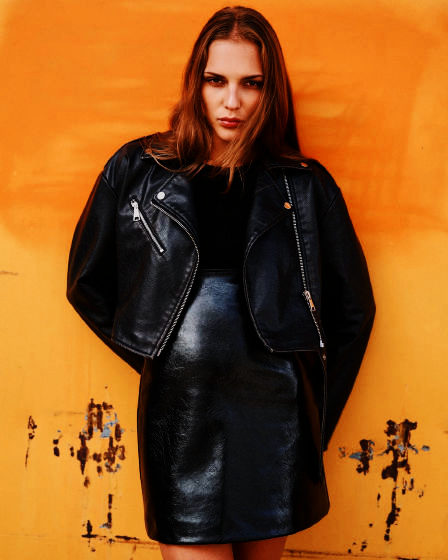
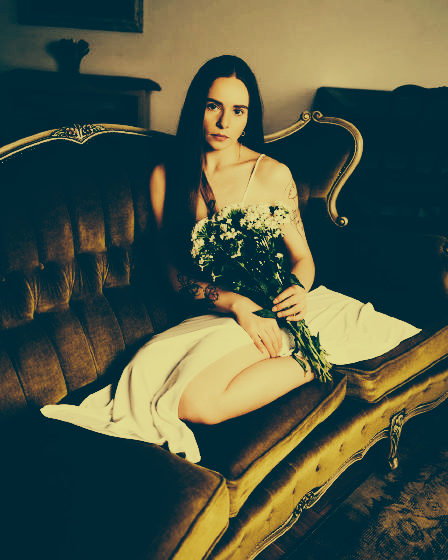
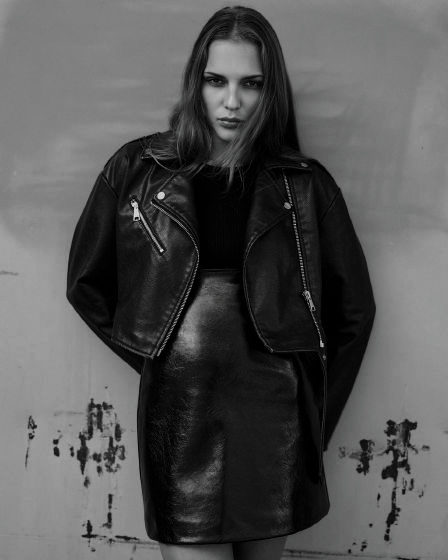
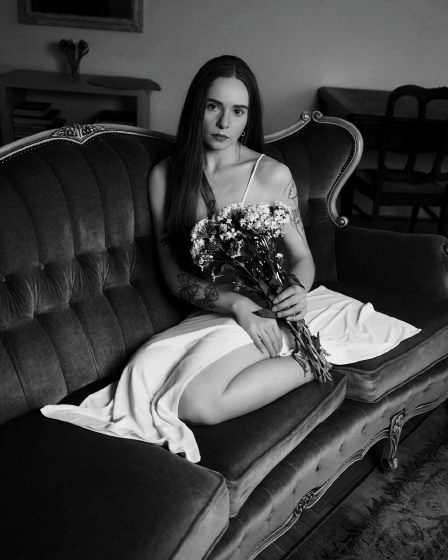
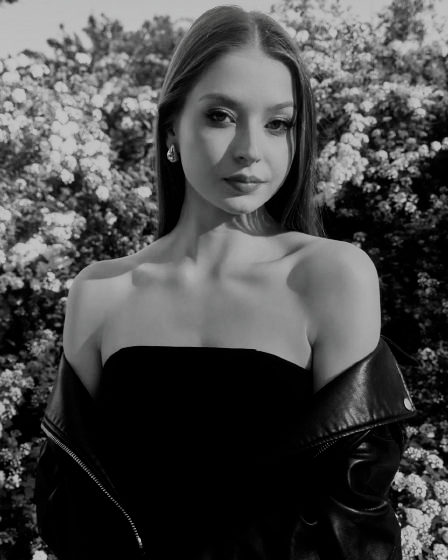
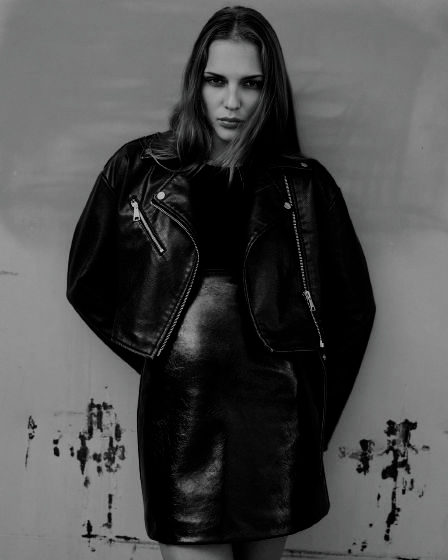
  1. 01 WARMDAYS.cube Natural

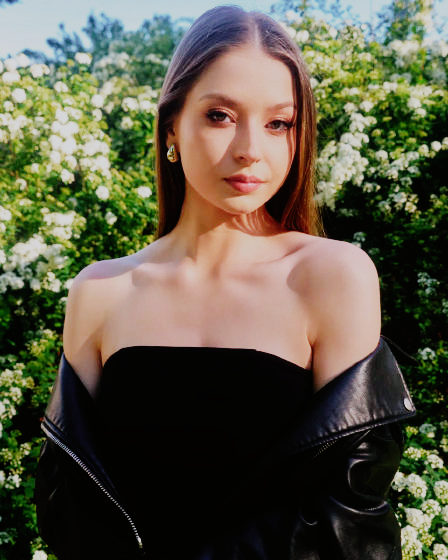
    Warm Days

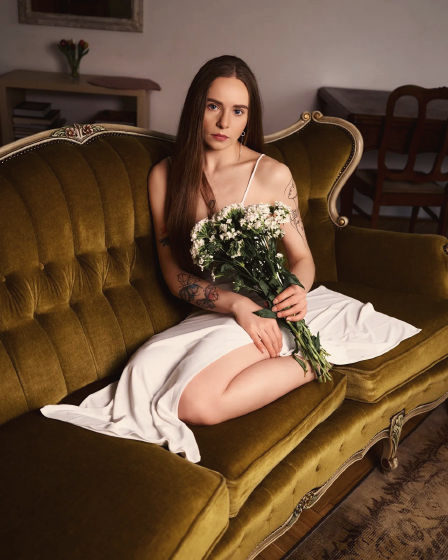
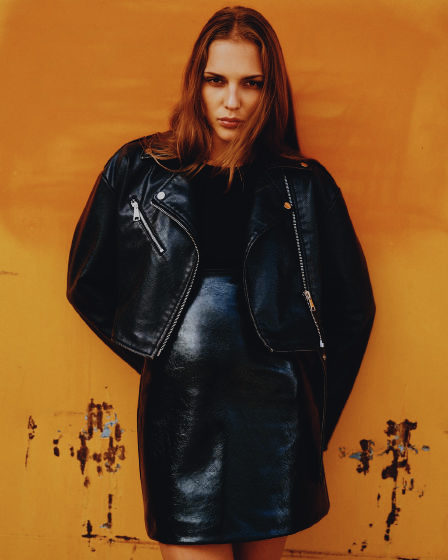
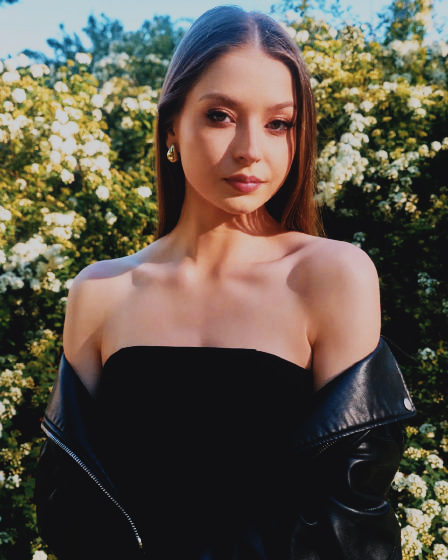
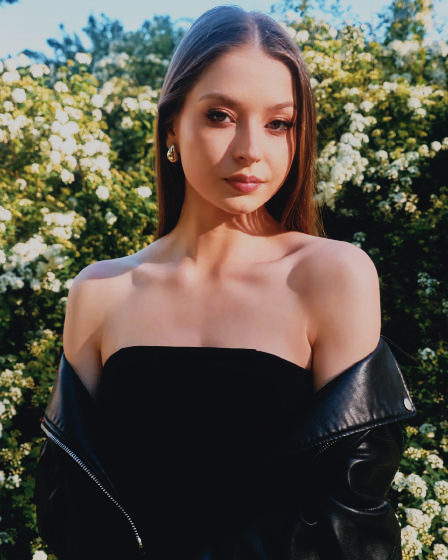
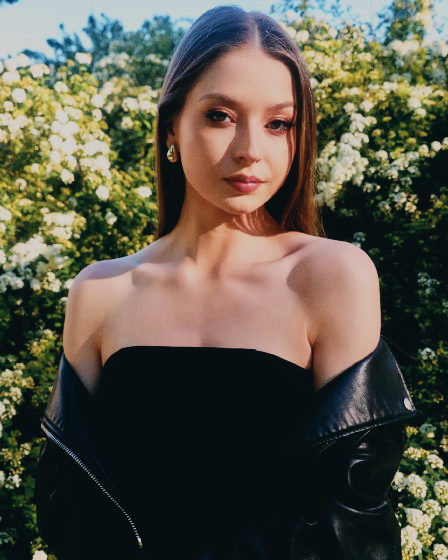
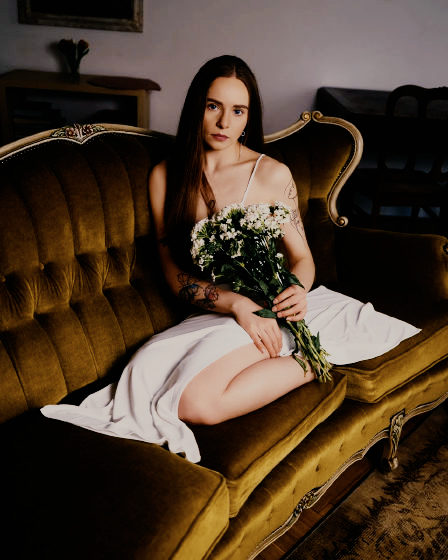
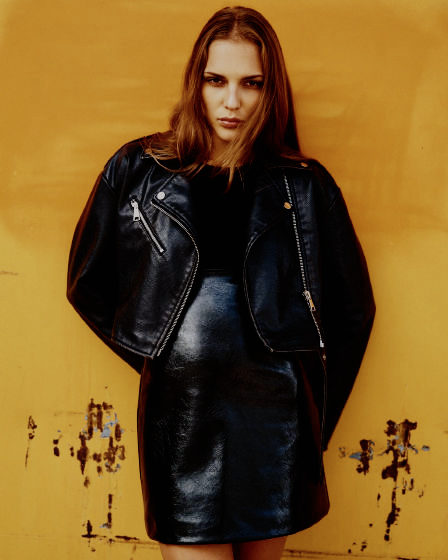
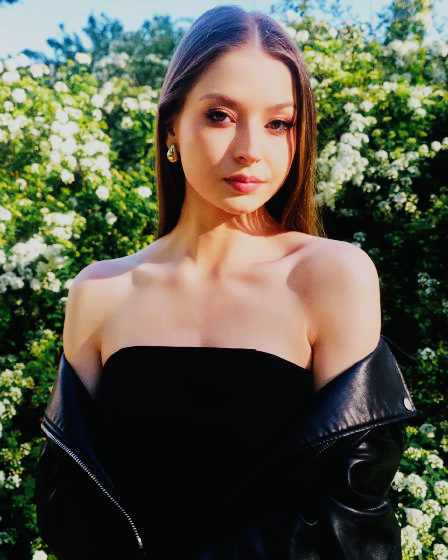
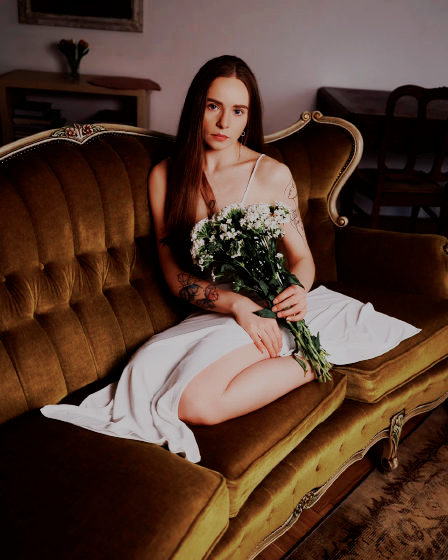
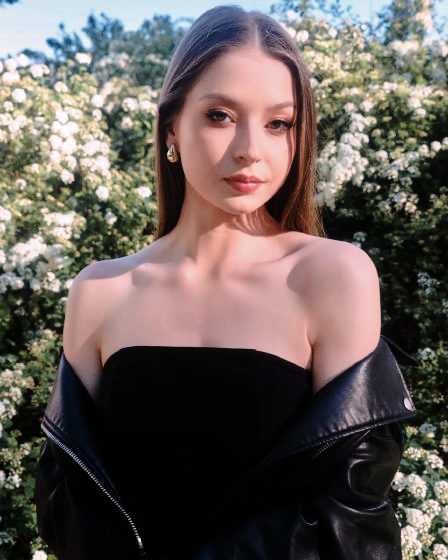
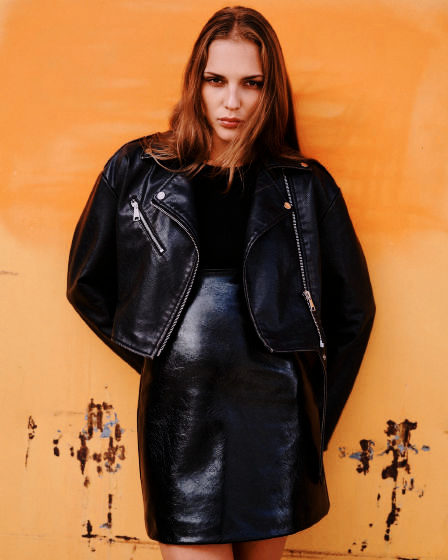
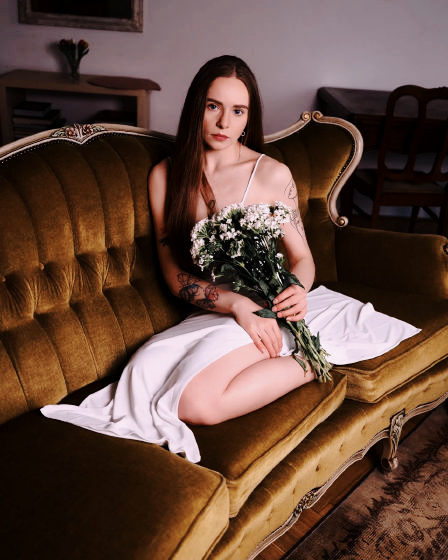
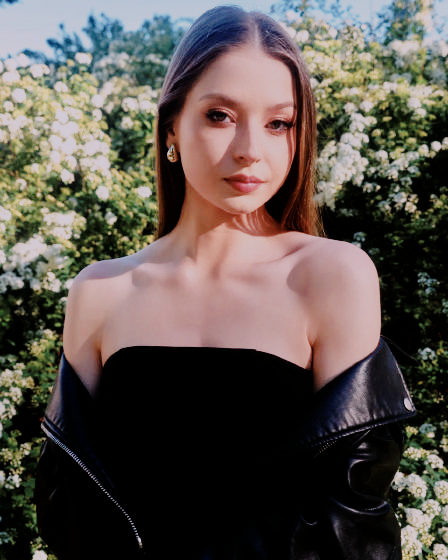
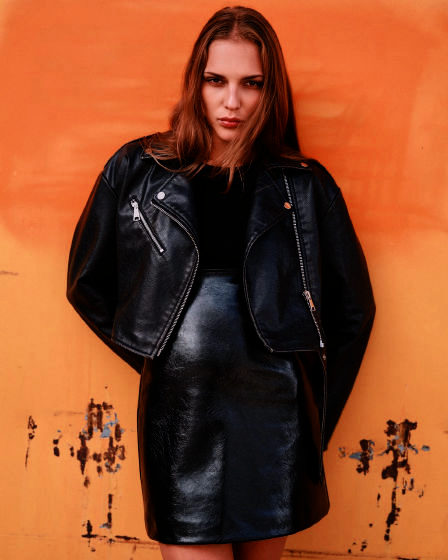
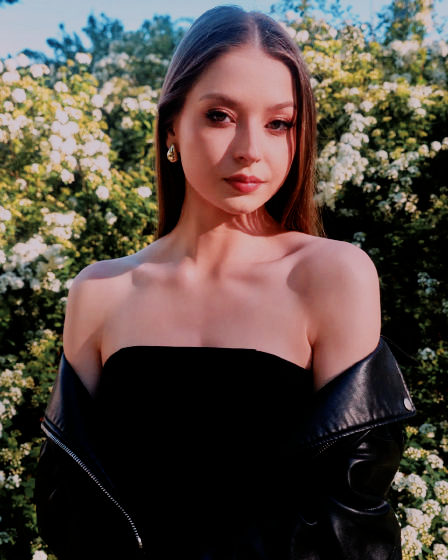
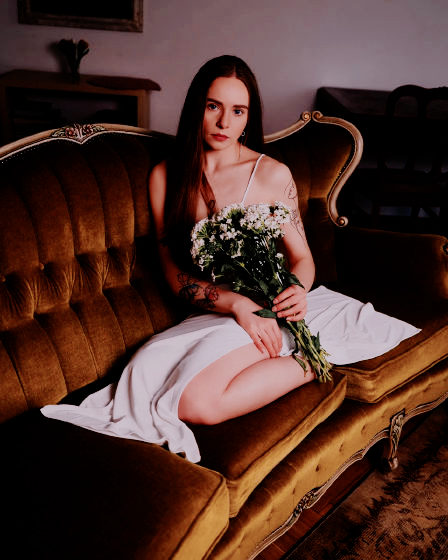
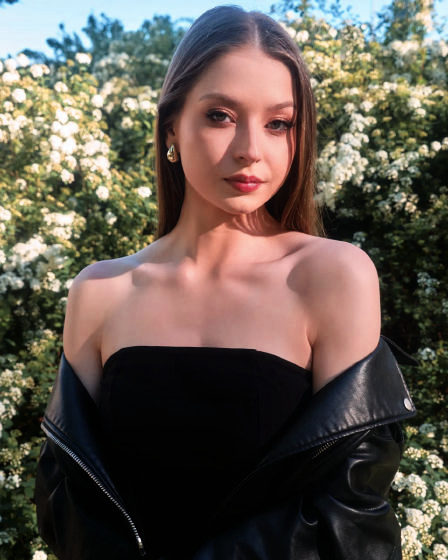
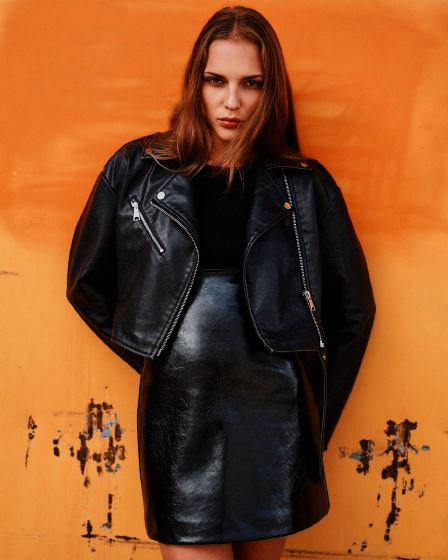
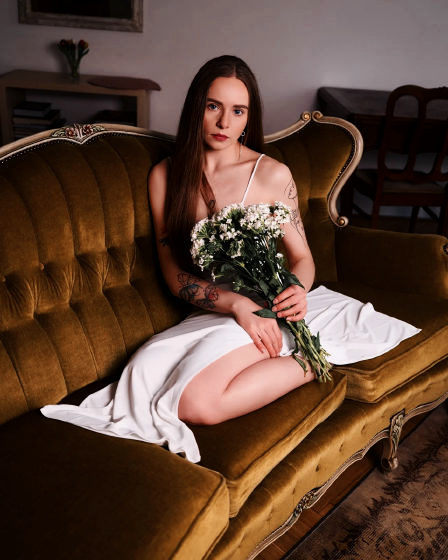
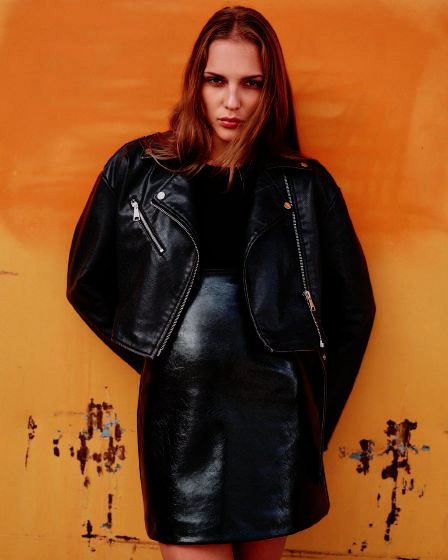
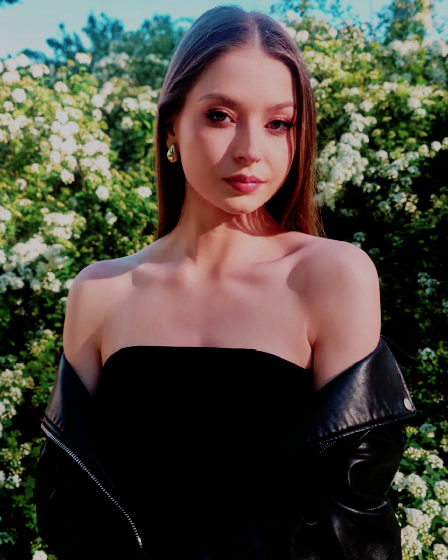
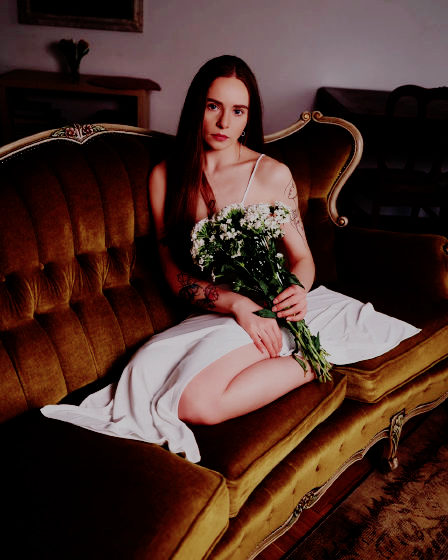
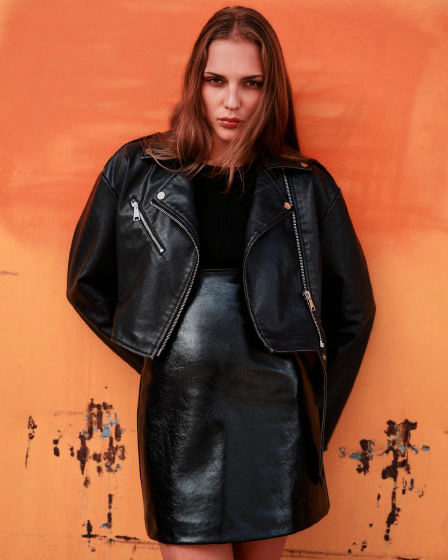
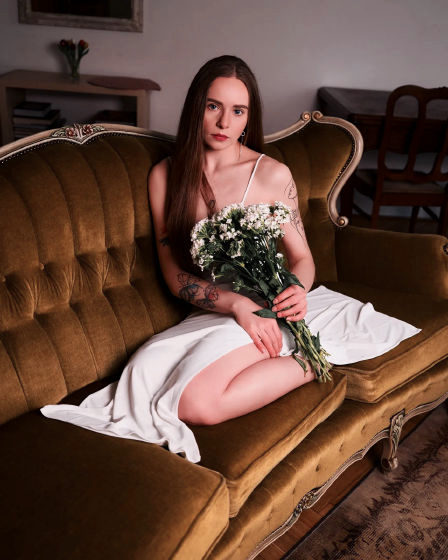
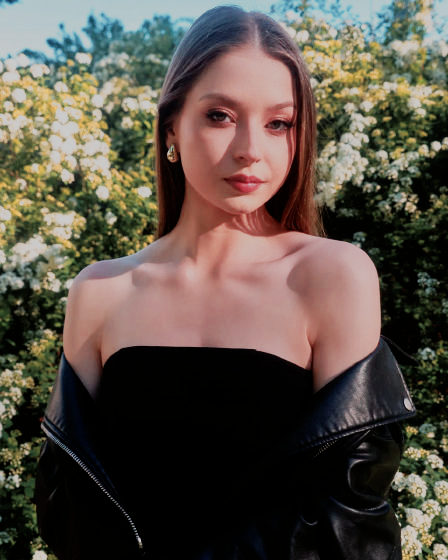
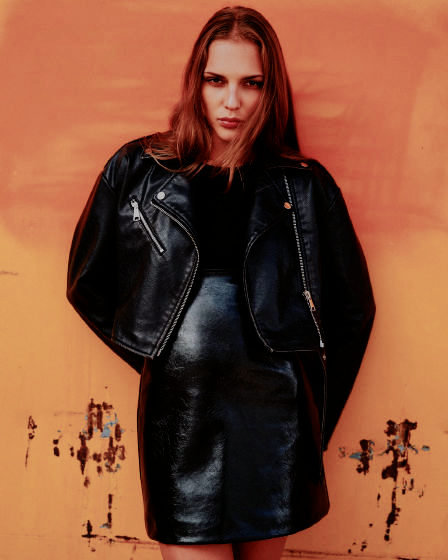
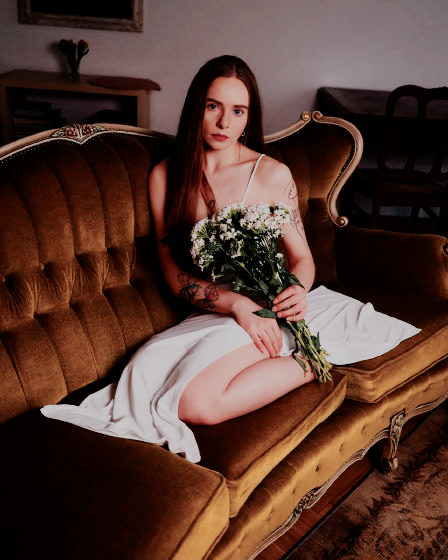
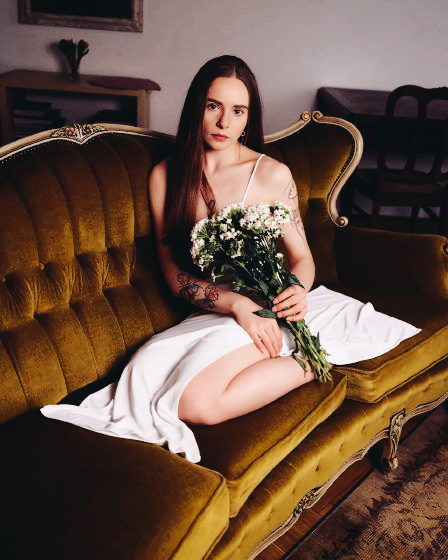
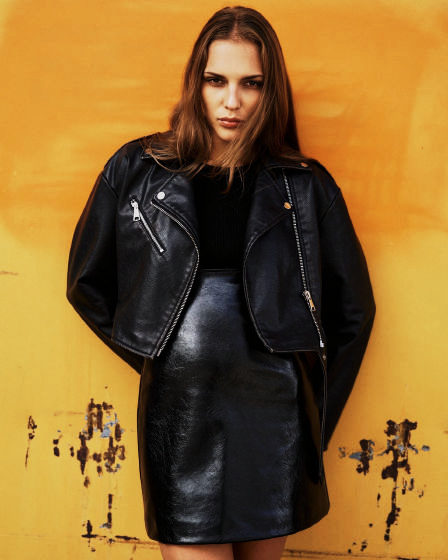
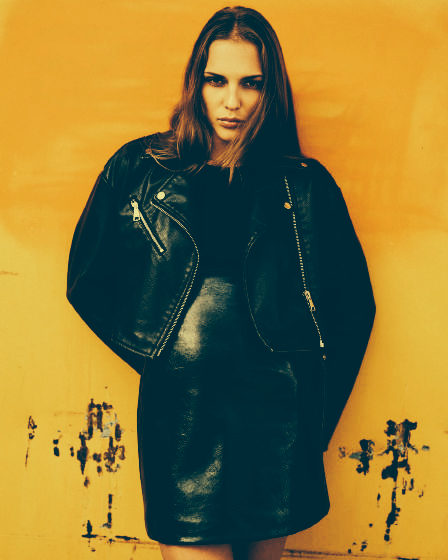
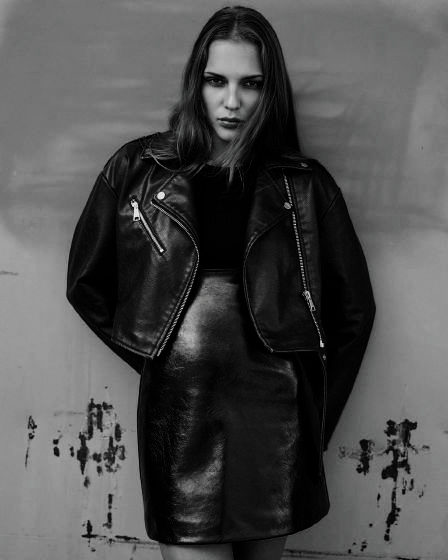
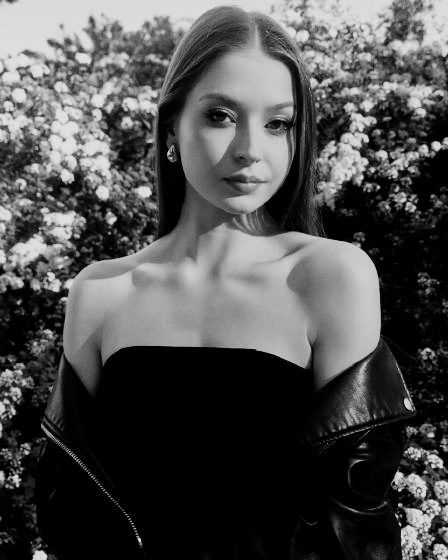
    Weiche Lichter, warme Hauttöne, sanft angehobene Tiefen.

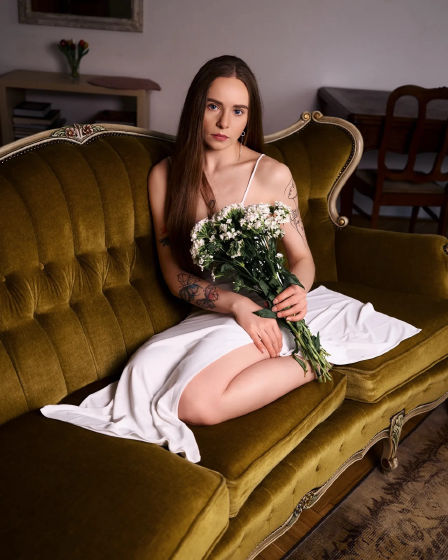
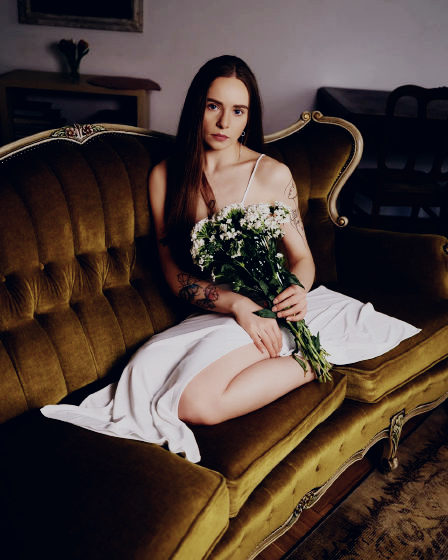
    Platzhalter-Look und -Fotos

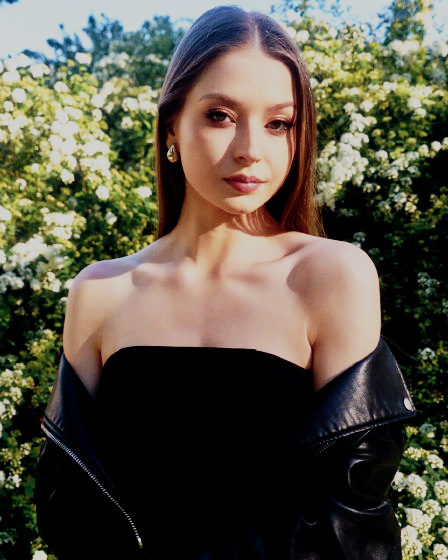
  2. 02 WARMDAYV.cube V-Log

    Warm Days V-Log

    Soft highlights, warm skin, gently lifted blacks, for V-Log.

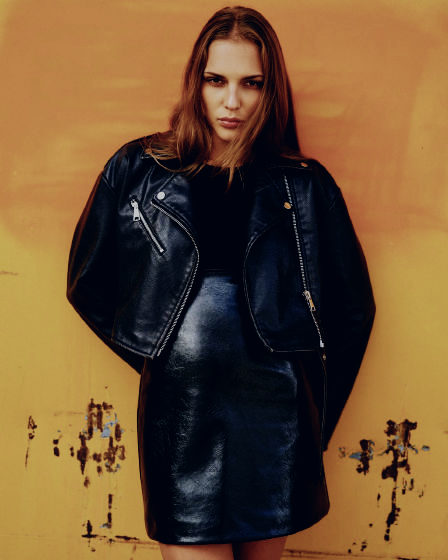
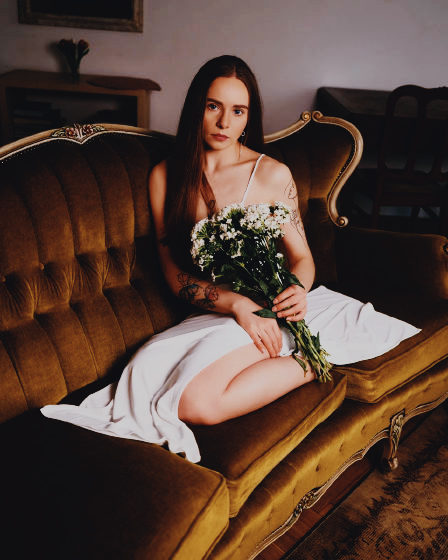
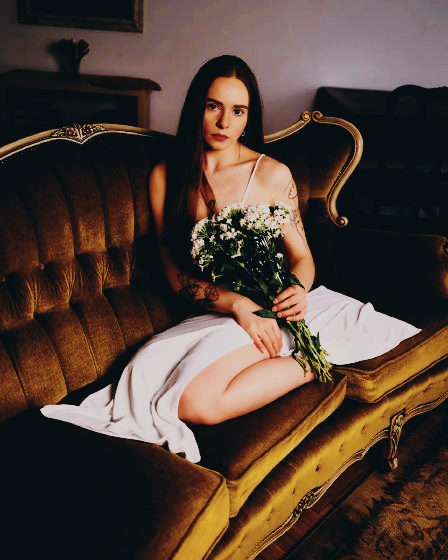
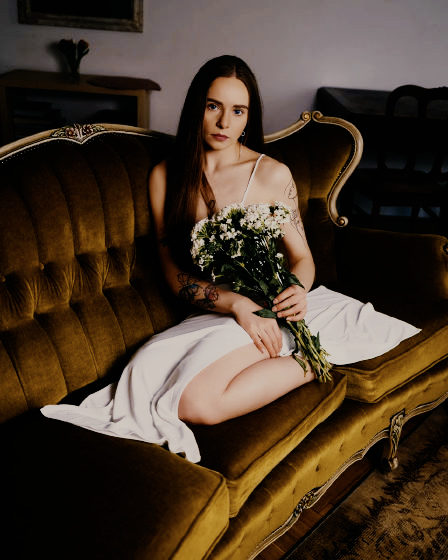
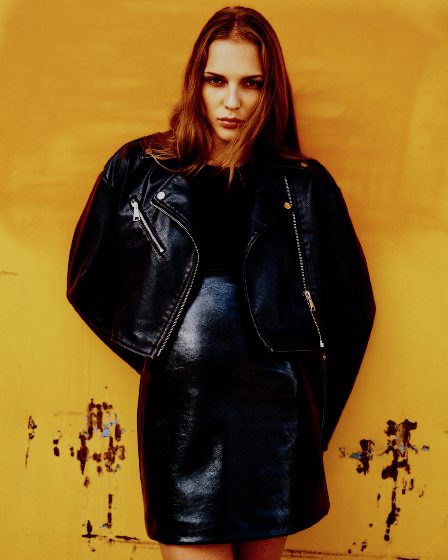
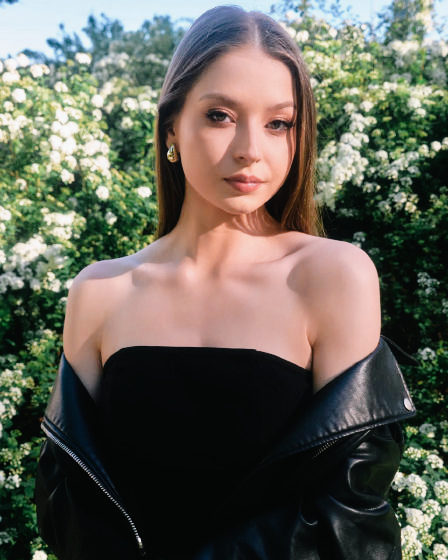
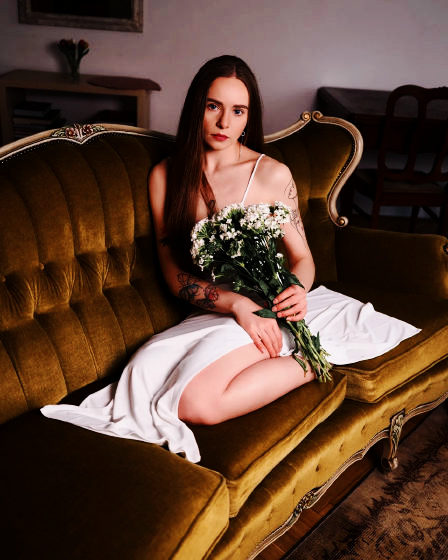
  3. 03 BALTIC.cube Standard

    Baltic

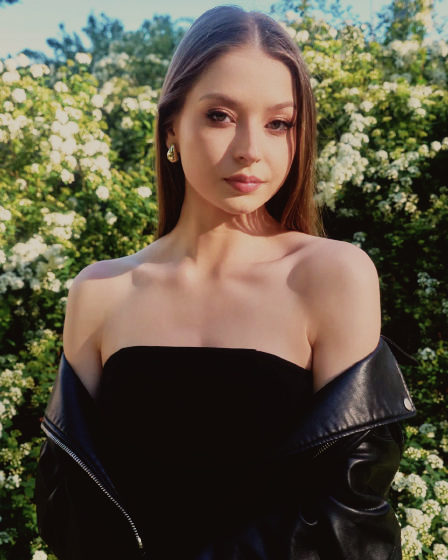
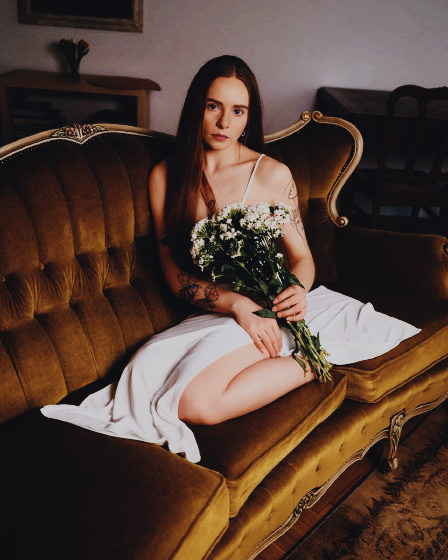
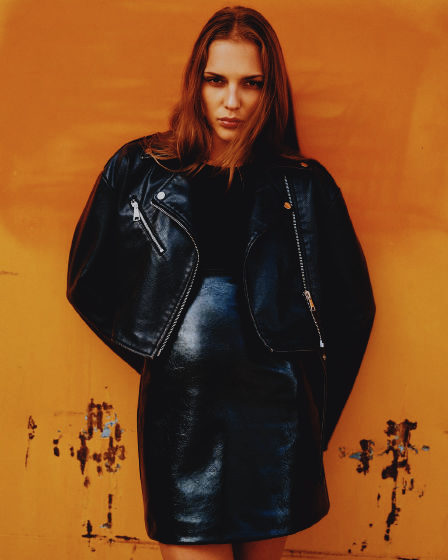
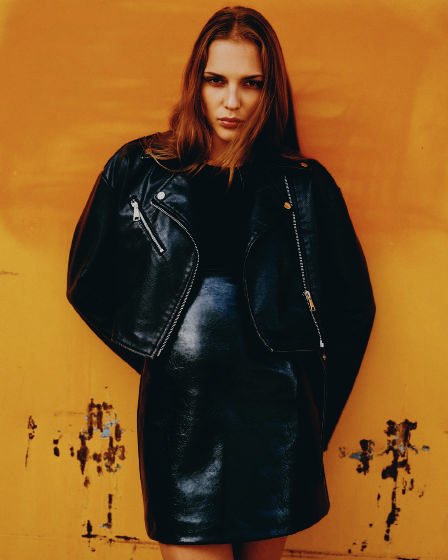
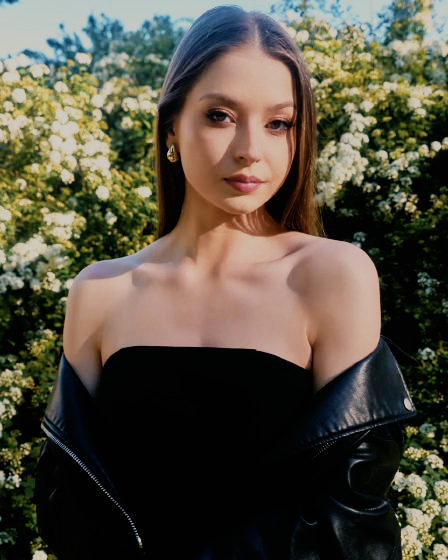
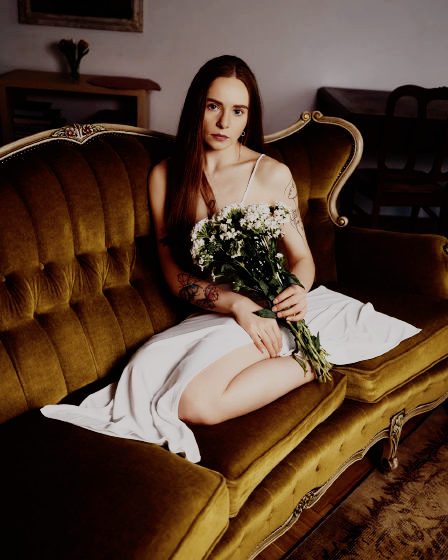
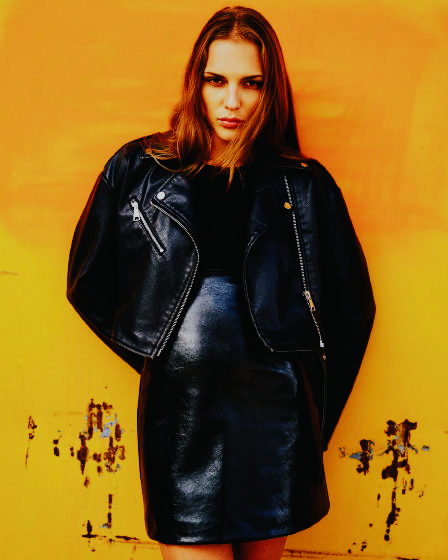
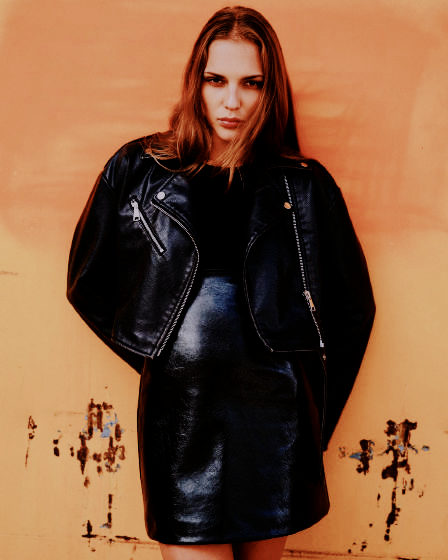
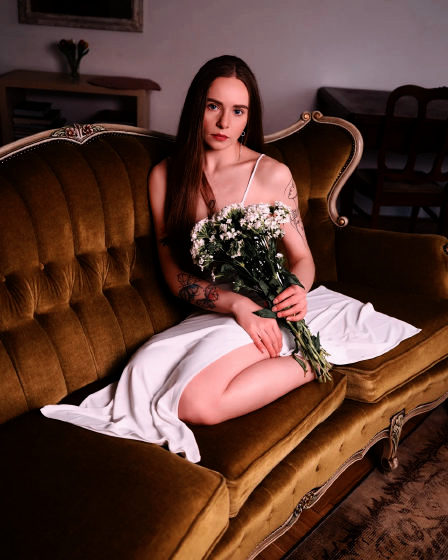
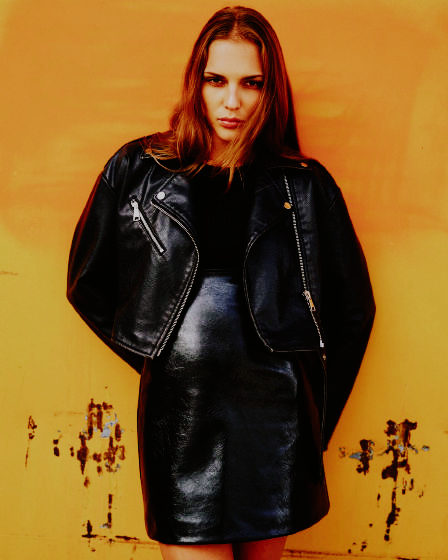
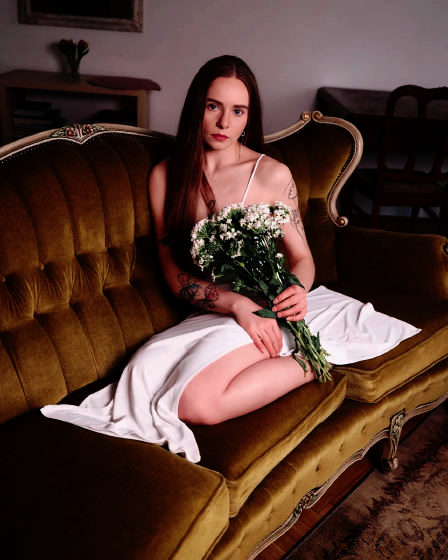
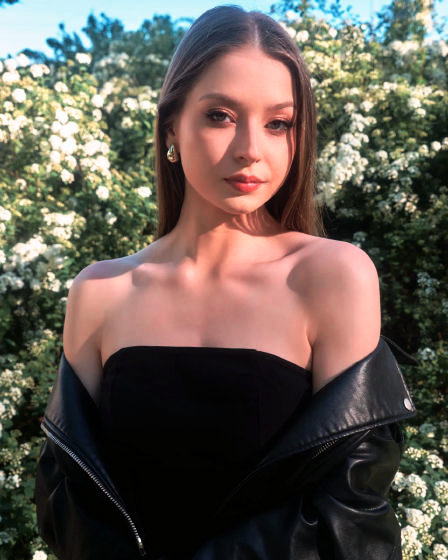
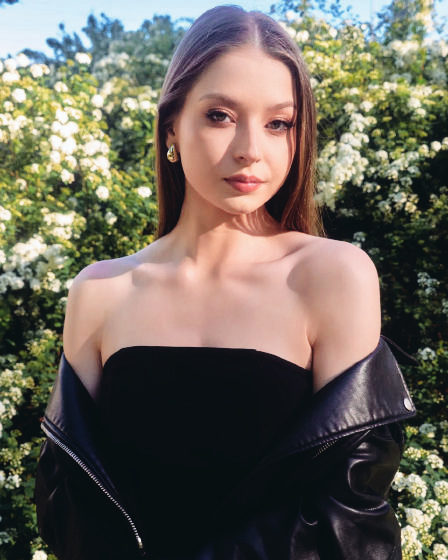
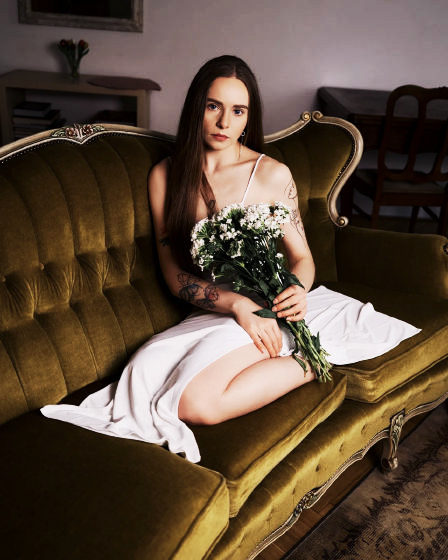
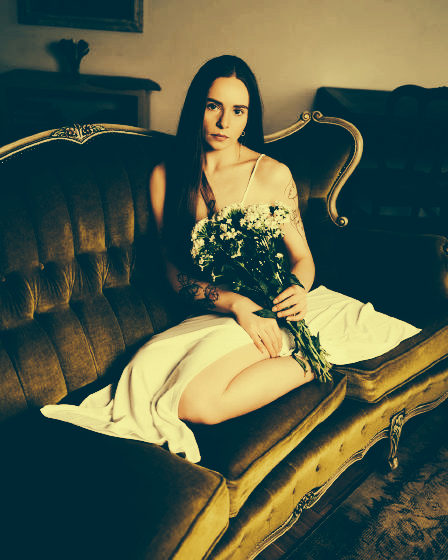
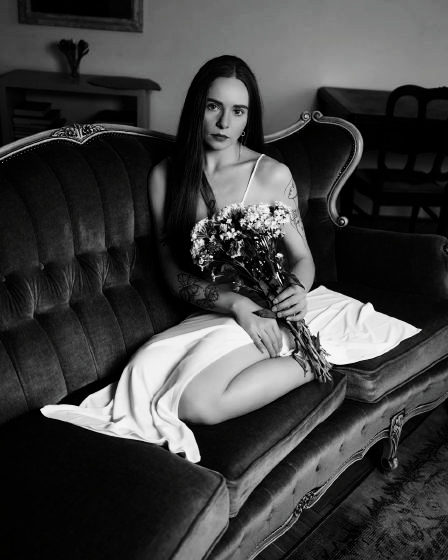
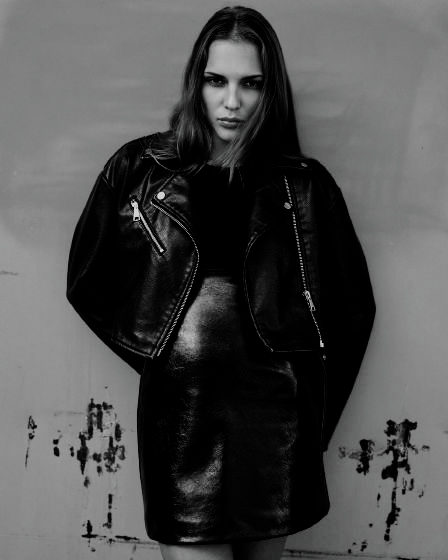
    Kühle Schatten, ruhiges Grün, klares Weiß.

    Platzhalter-Look und -Fotos

  4. 04 BALTICV.cube V-Log

    Baltic V-Log

    Cool shadows, quiet greens, clean whites, for V-Log.

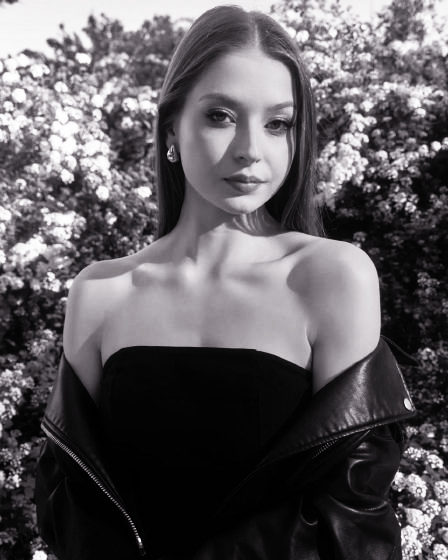
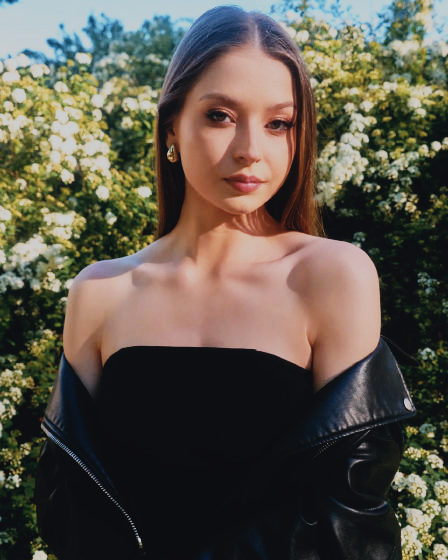
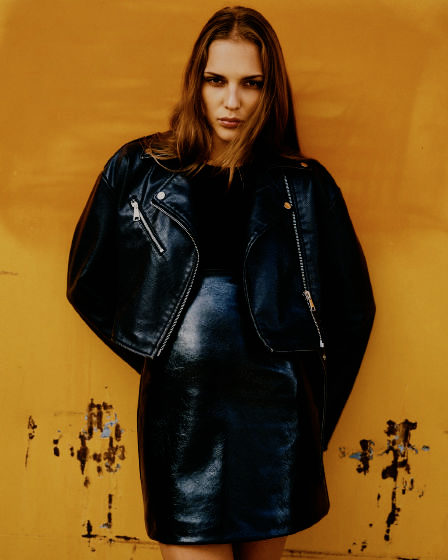
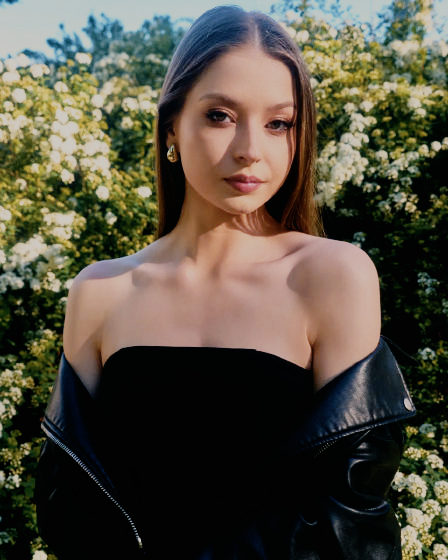
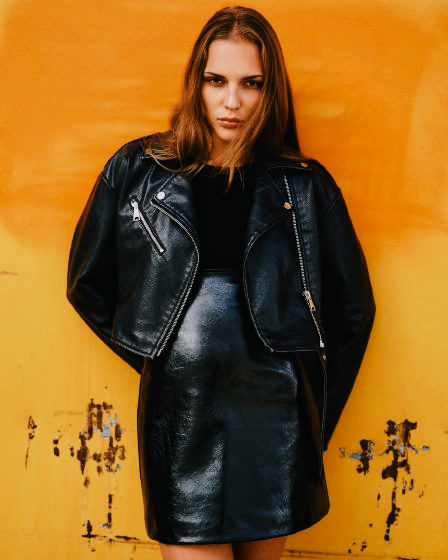
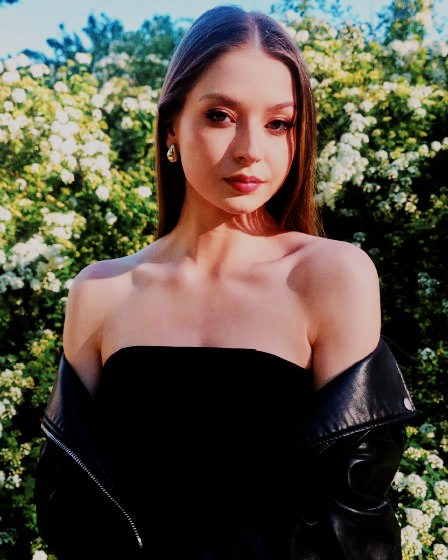
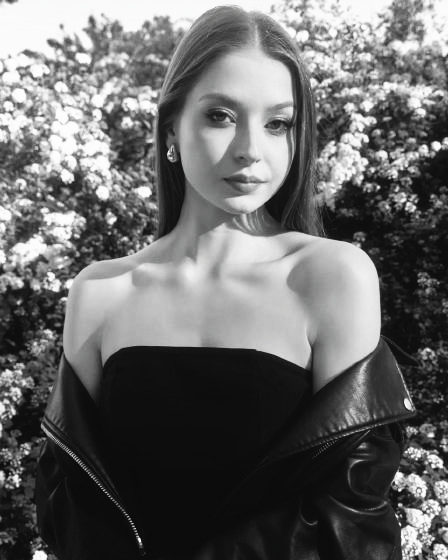
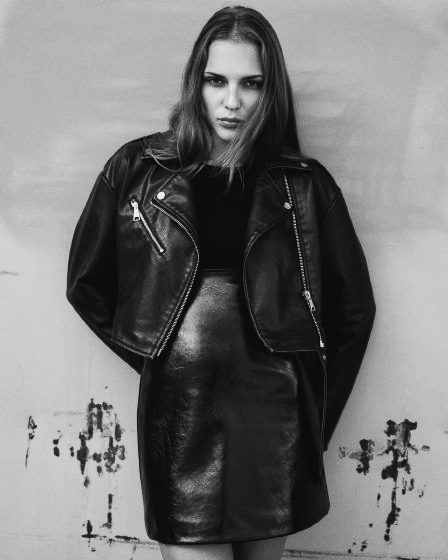
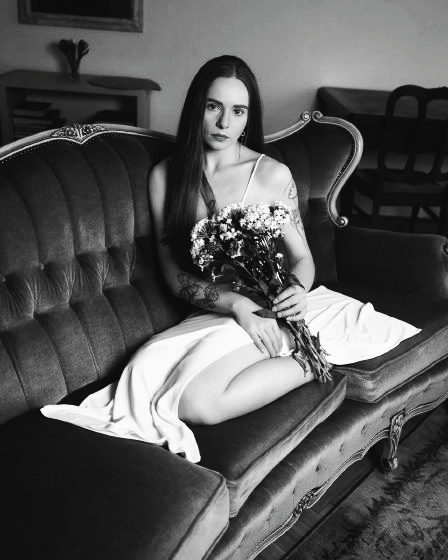
  5. 05 SELENIUM.cube LEICA Monochrome

    Selenium

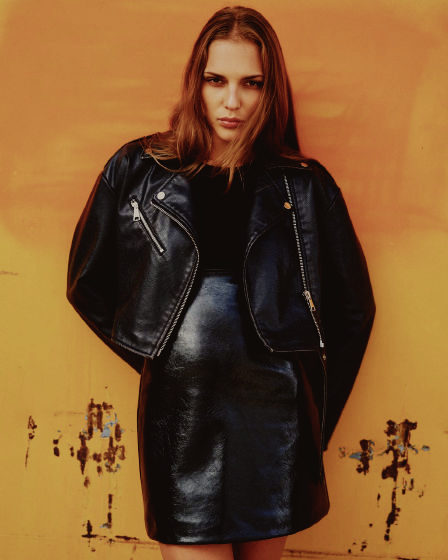
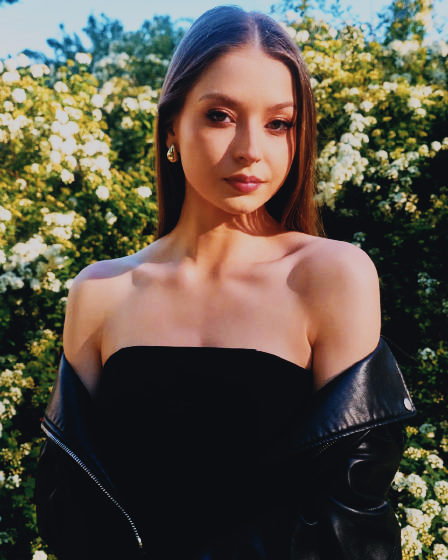
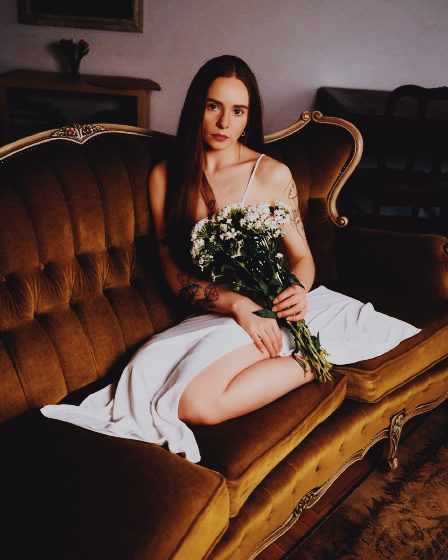
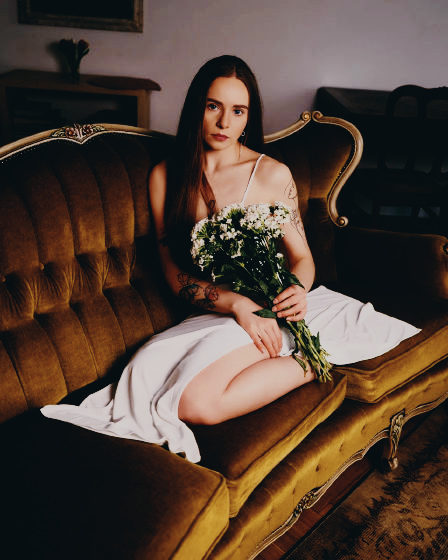
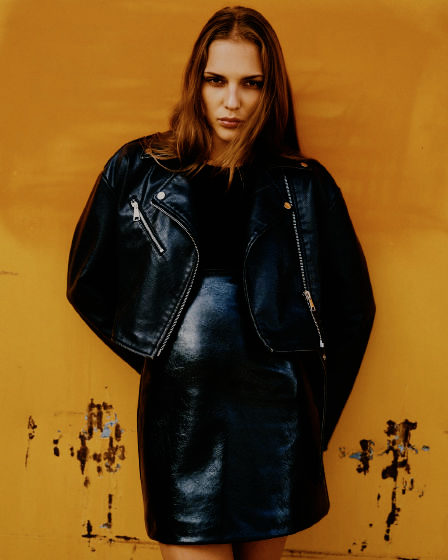
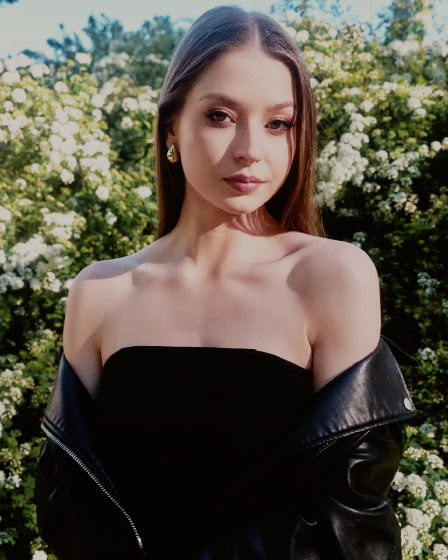
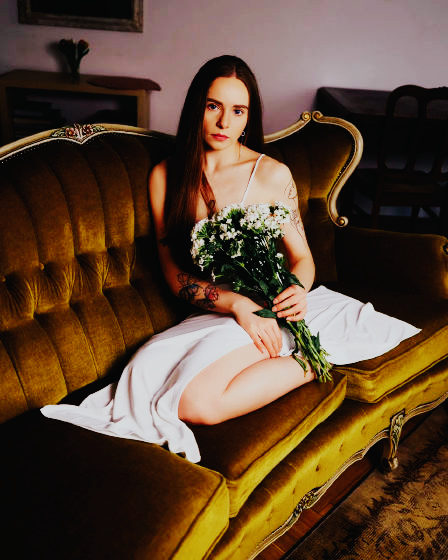
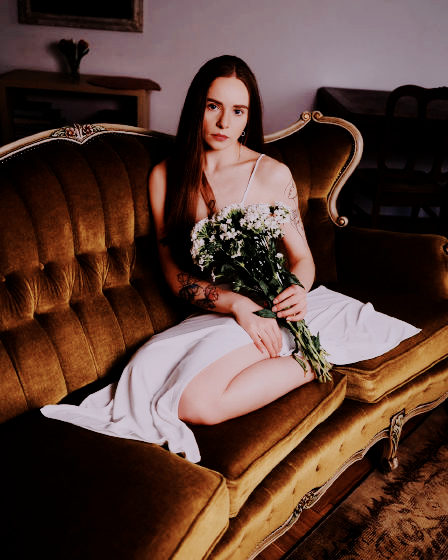
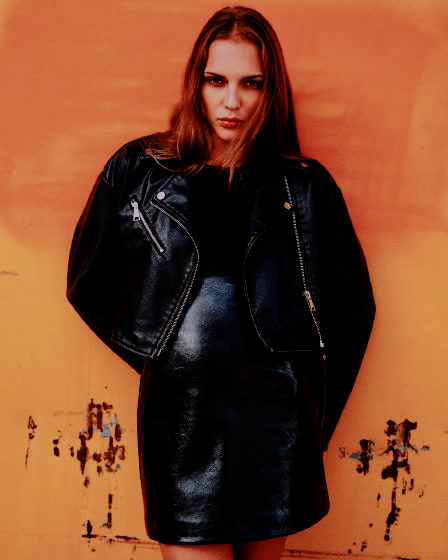
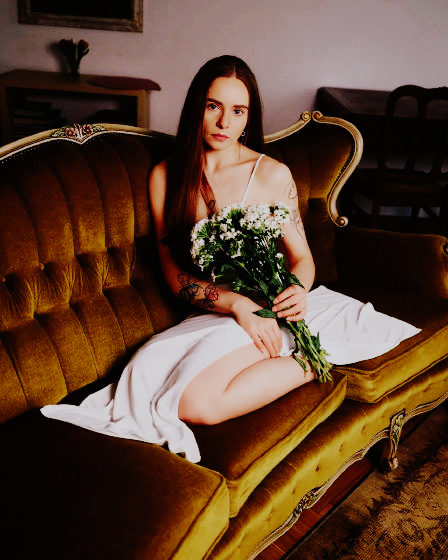
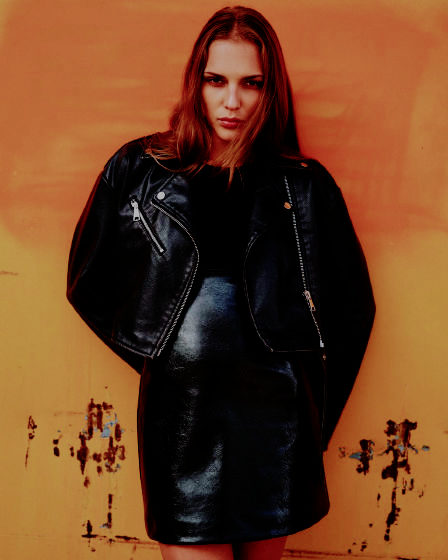
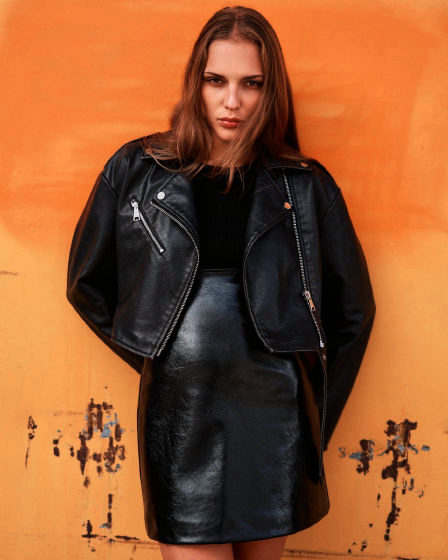
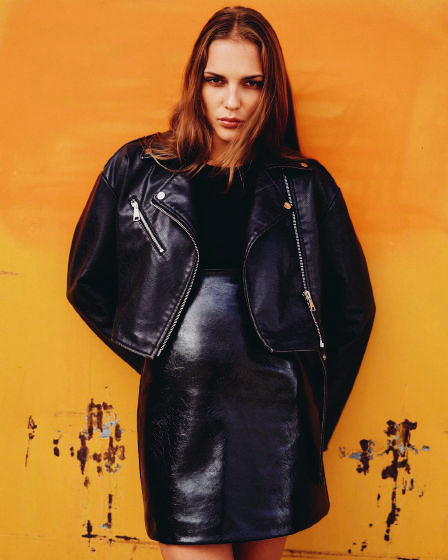
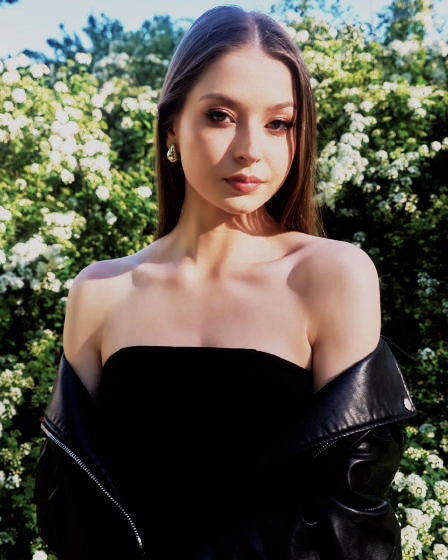
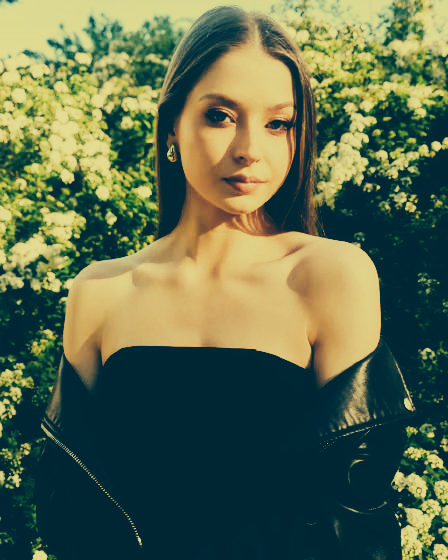
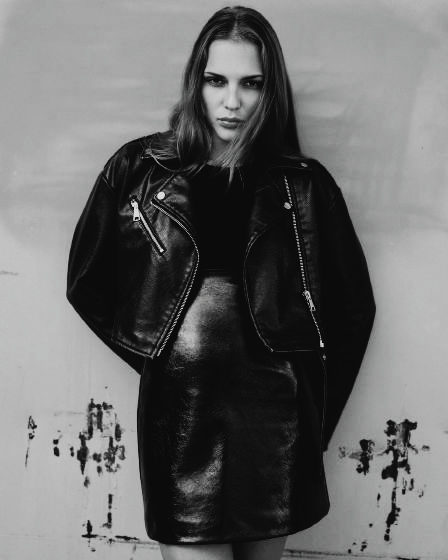
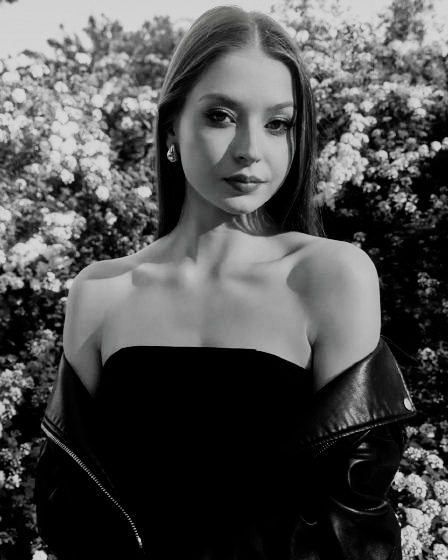
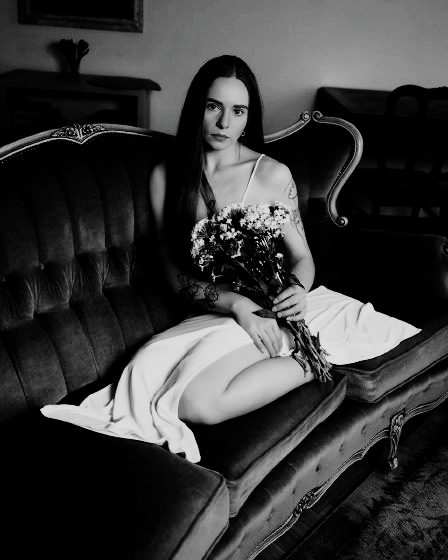
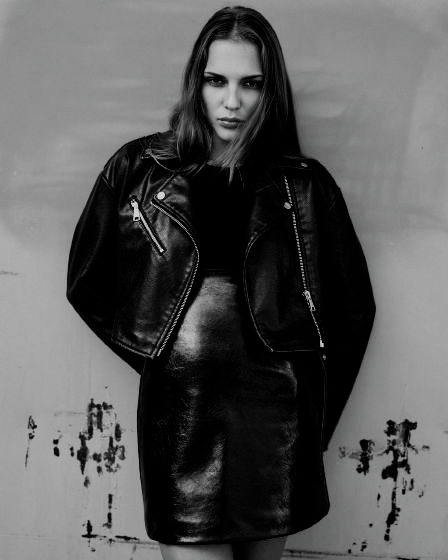
    Tiefe Schwärzen mit kühlem Selenton in den Schatten.

    Platzhalter-Look und -Fotos

  6. 06 SELENIUV.cube V-Log

    Selenium V-Log

    Deep blacks with a cool selenium tone in the shadows, for V-Log.

Filmemulsionen

Von spektrafilm aus gemessenen Filmdaten simuliert, für die V-Log-Basis. CC BY-SA 4.0.

20
  1. 07 PORT160S.cube V-Log

    Kodak Portra 160

    Simuliert aus gemessenen Filmdaten, ausbelichtet auf Kodak Professional Portra Endura.

    Andrea Volpato · CC BY-SA 4.0

  2. 08 PORT400S.cube V-Log

    Kodak Portra 400

    Simuliert aus gemessenen Filmdaten, ausbelichtet auf Kodak Professional Portra Endura.

    Andrea Volpato · CC BY-SA 4.0

  3. 09 PORT800S.cube V-Log

    Kodak Portra 800

    Simuliert aus gemessenen Filmdaten, ausbelichtet auf Kodak Professional Portra Endura.

    Andrea Volpato · CC BY-SA 4.0

  4. 10 P800P1S.cube V-Log

    Kodak Portra 800 (Push 1)

    Simuliert aus gemessenen Filmdaten, ausbelichtet auf Kodak Professional Portra Endura.

    Andrea Volpato · CC BY-SA 4.0

  5. 11 P800P2S.cube V-Log

    Kodak Portra 800 (Push 2)

    Simuliert aus gemessenen Filmdaten, ausbelichtet auf Kodak Professional Portra Endura.

    Andrea Volpato · CC BY-SA 4.0

  6. 12 EKTAR10S.cube V-Log

    Kodak Ektar 100

    Simuliert aus gemessenen Filmdaten, ausbelichtet auf Kodak Professional Portra Endura.

    Andrea Volpato · CC BY-SA 4.0

  7. 13 GOLD200S.cube V-Log

    Kodak Gold 200

    Simuliert aus gemessenen Filmdaten, ausbelichtet auf Kodak Professional Portra Endura.

    Andrea Volpato · CC BY-SA 4.0

  8. 14 UMAX400S.cube V-Log

    Kodak Ultramax 400

    Simuliert aus gemessenen Filmdaten, ausbelichtet auf Kodak Professional Portra Endura.

    Andrea Volpato · CC BY-SA 4.0

  9. 15 FUJC200S.cube V-Log

    Fujifilm C200

    Simuliert aus gemessenen Filmdaten, ausbelichtet auf Fujifilm Crystal Archive Type II.

    Andrea Volpato · CC BY-SA 4.0

  10. 16 PRO400HS.cube V-Log

    Fujifilm Pro 400H

    Simuliert aus gemessenen Filmdaten, ausbelichtet auf Fujifilm Crystal Archive Type II.

    Andrea Volpato · CC BY-SA 4.0

  11. 17 XTRA400S.cube V-Log

    Fujifilm X-Tra 400

    Simuliert aus gemessenen Filmdaten, ausbelichtet auf Fujifilm Crystal Archive Type II.

    Andrea Volpato · CC BY-SA 4.0

  12. 18 V3050DS.cube V-Log

    Kodak Vision3 50D

    Simuliert aus gemessenen Filmdaten, ausbelichtet auf Kodak Vision 2383.

    Andrea Volpato · CC BY-SA 4.0

  13. 19 V3250DS.cube V-Log

    Kodak Vision3 250D

    Simuliert aus gemessenen Filmdaten, ausbelichtet auf Kodak Vision 2383.

    Andrea Volpato · CC BY-SA 4.0

  14. 20 V3200TS.cube V-Log

    Kodak Vision3 200T

    Simuliert aus gemessenen Filmdaten, ausbelichtet auf Kodak Vision 2383.

    Andrea Volpato · CC BY-SA 4.0

  15. 21 V3500TS.cube V-Log

    Kodak Vision3 500T

    Simuliert aus gemessenen Filmdaten, ausbelichtet auf Kodak Vision 2383.

    Andrea Volpato · CC BY-SA 4.0

  16. 22 VERI200S.cube V-Log

    Kodak Verita 200D

    Simuliert aus gemessenen Filmdaten, ausbelichtet auf Kodak Vision 2383.

    Andrea Volpato · CC BY-SA 4.0

  17. 23 VELV100S.cube V-Log

    Fujifilm Velvia 100

    Diafilm, simuliert aus gemessenen Filmdaten.

    Andrea Volpato · CC BY-SA 4.0

  18. 24 PROV100S.cube V-Log

    Fujifilm Provia 100F

    Diafilm, simuliert aus gemessenen Filmdaten.

    Andrea Volpato · CC BY-SA 4.0

  19. 25 EKTCHR1S.cube V-Log

    Kodak Ektachrome 100

    Diafilm, simuliert aus gemessenen Filmdaten.

    Andrea Volpato · CC BY-SA 4.0

  20. 26 KCHROM6S.cube V-Log

    Kodak Kodachrome 64

    Diafilm, simuliert aus gemessenen Filmdaten.

    Andrea Volpato · CC BY-SA 4.0

Filmsimulationen

Aus der RawTherapee Film Simulation Collection, für normale Fotos auf der Basis Standard. CC BY-SA 4.0.

56
  1. 27 PORT160R.cube Standard

    Kodak Portra 160 NC

    Farbnegativ-Simulation aus der RawTherapee-Sammlung.

    Pat David, Pavlov Dmitry and Michael Ezra · CC BY-SA 4.0

  2. 28 PORT160V.cube V-Log

    Kodak Portra 160 NC V-Log

    Colour negative film simulation from the RawTherapee collection, for V-Log.

    Pat David, Pavlov Dmitry and Michael Ezra · CC BY-SA 4.0

  3. 29 PORT400R.cube Standard

    Kodak Portra 400

    Farbnegativ-Simulation aus der RawTherapee-Sammlung.

    Pat David, Pavlov Dmitry and Michael Ezra · CC BY-SA 4.0

  4. 30 PORT400V.cube V-Log

    Kodak Portra 400 V-Log

    Colour negative film simulation from the RawTherapee collection, for V-Log.

    Pat David, Pavlov Dmitry and Michael Ezra · CC BY-SA 4.0

  5. 31 PORT800R.cube Standard

    Kodak Portra 800

    Farbnegativ-Simulation aus der RawTherapee-Sammlung.

    Pat David, Pavlov Dmitry and Michael Ezra · CC BY-SA 4.0

  6. 32 PORT800V.cube V-Log

    Kodak Portra 800 V-Log

    Colour negative film simulation from the RawTherapee collection, for V-Log.

    Pat David, Pavlov Dmitry and Michael Ezra · CC BY-SA 4.0

  7. 33 EKTAR10R.cube Standard

    Kodak Ektar 100

    Farbnegativ-Simulation aus der RawTherapee-Sammlung.

    Pat David, Pavlov Dmitry and Michael Ezra · CC BY-SA 4.0

  8. 34 EKTAR10V.cube V-Log

    Kodak Ektar 100 V-Log

    Colour negative film simulation from the RawTherapee collection, for V-Log.

    Pat David, Pavlov Dmitry and Michael Ezra · CC BY-SA 4.0

  9. 35 KCHROM6R.cube Standard

    Kodak Kodachrome 64

    Diafilm-Simulation aus der RawTherapee-Sammlung.

    Pat David, Pavlov Dmitry and Michael Ezra · CC BY-SA 4.0

  10. 36 KCHROM6V.cube V-Log

    Kodak Kodachrome 64 V-Log

    Slide film simulation from the RawTherapee collection, for V-Log.

    Pat David, Pavlov Dmitry and Michael Ezra · CC BY-SA 4.0

  11. 37 EKTCHR1R.cube Standard

    Kodak Ektachrome 100 VS

    Diafilm-Simulation aus der RawTherapee-Sammlung.

    Pat David, Pavlov Dmitry and Michael Ezra · CC BY-SA 4.0

  12. 38 EKTCHR1V.cube V-Log

    Kodak Ektachrome 100 VS V-Log

    Slide film simulation from the RawTherapee collection, for V-Log.

    Pat David, Pavlov Dmitry and Michael Ezra · CC BY-SA 4.0

  13. 39 ELITE20R.cube Standard

    Kodak Elite Chrome 200

    Diafilm-Simulation aus der RawTherapee-Sammlung.

    Pat David, Pavlov Dmitry and Michael Ezra · CC BY-SA 4.0

  14. 40 ELITE20V.cube V-Log

    Kodak Elite Chrome 200 V-Log

    Slide film simulation from the RawTherapee collection, for V-Log.

    Pat David, Pavlov Dmitry and Michael Ezra · CC BY-SA 4.0

  15. 41 FUJ400HR.cube Standard

    Fuji 400H

    Farbnegativ-Simulation aus der RawTherapee-Sammlung.

    Pat David, Pavlov Dmitry and Michael Ezra · CC BY-SA 4.0

  16. 42 FUJ400HV.cube V-Log

    Fuji 400H V-Log

    Colour negative film simulation from the RawTherapee collection, for V-Log.

    Pat David, Pavlov Dmitry and Michael Ezra · CC BY-SA 4.0

  17. 43 FUJ160CR.cube Standard

    Fuji 160C

    Farbnegativ-Simulation aus der RawTherapee-Sammlung.

    Pat David, Pavlov Dmitry and Michael Ezra · CC BY-SA 4.0

  18. 44 FUJ160CV.cube V-Log

    Fuji 160C V-Log

    Colour negative film simulation from the RawTherapee collection, for V-Log.

    Pat David, Pavlov Dmitry and Michael Ezra · CC BY-SA 4.0

  19. 45 SUP400R.cube Standard

    Fuji Superia 400

    Farbnegativ-Simulation aus der RawTherapee-Sammlung.

    Pat David, Pavlov Dmitry and Michael Ezra · CC BY-SA 4.0

  20. 46 SUP400RV.cube V-Log

    Fuji Superia 400 V-Log

    Colour negative film simulation from the RawTherapee collection, for V-Log.

    Pat David, Pavlov Dmitry and Michael Ezra · CC BY-SA 4.0

  21. 47 XTRA800R.cube Standard

    Fuji Superia X-Tra 800

    Farbnegativ-Simulation aus der RawTherapee-Sammlung.

    Pat David, Pavlov Dmitry and Michael Ezra · CC BY-SA 4.0

  22. 48 XTRA800V.cube V-Log

    Fuji Superia X-Tra 800 V-Log

    Colour negative film simulation from the RawTherapee collection, for V-Log.

    Pat David, Pavlov Dmitry and Michael Ezra · CC BY-SA 4.0

  23. 49 VELV50R.cube Standard

    Fuji Velvia 50

    Diafilm-Simulation aus der RawTherapee-Sammlung.

    Pat David, Pavlov Dmitry and Michael Ezra · CC BY-SA 4.0

  24. 50 VELV50RV.cube V-Log

    Fuji Velvia 50 V-Log

    Slide film simulation from the RawTherapee collection, for V-Log.

    Pat David, Pavlov Dmitry and Michael Ezra · CC BY-SA 4.0

  25. 51 PROV100R.cube Standard

    Fuji Provia 100F

    Diafilm-Simulation aus der RawTherapee-Sammlung.

    Pat David, Pavlov Dmitry and Michael Ezra · CC BY-SA 4.0

  26. 52 PROV100V.cube V-Log

    Fuji Provia 100F V-Log

    Slide film simulation from the RawTherapee collection, for V-Log.

    Pat David, Pavlov Dmitry and Michael Ezra · CC BY-SA 4.0

  27. 53 ASTIA10R.cube Standard

    Fuji Astia 100F

    Diafilm-Simulation aus der RawTherapee-Sammlung.

    Pat David, Pavlov Dmitry and Michael Ezra · CC BY-SA 4.0

  28. 54 ASTIA10V.cube V-Log

    Fuji Astia 100F V-Log

    Slide film simulation from the RawTherapee collection, for V-Log.

    Pat David, Pavlov Dmitry and Michael Ezra · CC BY-SA 4.0

  29. 55 FP100CR.cube Standard

    Fuji FP-100c

    Sofortbild-Simulation aus der RawTherapee-Sammlung.

    Pat David, Pavlov Dmitry and Michael Ezra · CC BY-SA 4.0

  30. 56 FP100CRV.cube V-Log

    Fuji FP-100c V-Log

    Instant film simulation from the RawTherapee collection, for V-Log.

    Pat David, Pavlov Dmitry and Michael Ezra · CC BY-SA 4.0

  31. 57 VISTA20R.cube Standard

    Agfa Vista 200

    Farbnegativ-Simulation aus der RawTherapee-Sammlung.

    Pat David, Pavlov Dmitry and Michael Ezra · CC BY-SA 4.0

  32. 58 VISTA20V.cube V-Log

    Agfa Vista 200 V-Log

    Colour negative film simulation from the RawTherapee collection, for V-Log.

    Pat David, Pavlov Dmitry and Michael Ezra · CC BY-SA 4.0

  33. 59 AGFAUC1R.cube Standard

    Agfa Ultra Color 100

    Farbnegativ-Simulation aus der RawTherapee-Sammlung.

    Pat David, Pavlov Dmitry and Michael Ezra · CC BY-SA 4.0

  34. 60 AGFAUC1V.cube V-Log

    Agfa Ultra Color 100 V-Log

    Colour negative film simulation from the RawTherapee collection, for V-Log.

    Pat David, Pavlov Dmitry and Michael Ezra · CC BY-SA 4.0

  35. 61 XPRO200R.cube Standard

    Lomography X-Pro Slide 200

    In Negativchemie crossentwickelter Diafilm aus der RawTherapee-Sammlung.

    Pat David, Pavlov Dmitry and Michael Ezra · CC BY-SA 4.0

  36. 62 XPRO200V.cube V-Log

    Lomography X-Pro Slide 200 V-Log

    Slide film cross-processed in negative chemistry from the RawTherapee collection, for V-Log.

    Pat David, Pavlov Dmitry and Michael Ezra · CC BY-SA 4.0

  37. 63 POL669R.cube Standard

    Polaroid 669

    Sofortbild-Simulation aus der RawTherapee-Sammlung.

    Pat David, Pavlov Dmitry and Michael Ezra · CC BY-SA 4.0

  38. 64 POL669RV.cube V-Log

    Polaroid 669 V-Log

    Instant film simulation from the RawTherapee collection, for V-Log.

    Pat David, Pavlov Dmitry and Michael Ezra · CC BY-SA 4.0

  39. 65 PX70R.cube Standard

    Polaroid PX-70

    Sofortbild-Simulation aus der RawTherapee-Sammlung.

    Pat David, Pavlov Dmitry and Michael Ezra · CC BY-SA 4.0

  40. 66 PX70RV.cube V-Log

    Polaroid PX-70 V-Log

    Instant film simulation from the RawTherapee collection, for V-Log.

    Pat David, Pavlov Dmitry and Michael Ezra · CC BY-SA 4.0

  41. 67 TRIX400R.cube Standard

    Kodak TRI-X 400

    Schwarzweißfilm-Simulation aus der RawTherapee-Sammlung.

    Pat David, Pavlov Dmitry and Michael Ezra · CC BY-SA 4.0

  42. 68 TRIX400V.cube V-Log

    Kodak TRI-X 400 V-Log

    Black-and-white film simulation from the RawTherapee collection, for V-Log.

    Pat David, Pavlov Dmitry and Michael Ezra · CC BY-SA 4.0

  43. 69 TMAX400R.cube Standard

    Kodak T-Max 400

    Schwarzweißfilm-Simulation aus der RawTherapee-Sammlung.

    Pat David, Pavlov Dmitry and Michael Ezra · CC BY-SA 4.0

  44. 70 TMAX400V.cube V-Log

    Kodak T-Max 400 V-Log

    Black-and-white film simulation from the RawTherapee collection, for V-Log.

    Pat David, Pavlov Dmitry and Michael Ezra · CC BY-SA 4.0

  45. 71 HP5PLUSR.cube Standard

    Ilford HP5 Plus 400

    Schwarzweißfilm-Simulation aus der RawTherapee-Sammlung.

    Pat David, Pavlov Dmitry and Michael Ezra · CC BY-SA 4.0

  46. 72 HP5PLUSV.cube V-Log

    Ilford HP5 Plus 400 V-Log

    Black-and-white film simulation from the RawTherapee collection, for V-Log.

    Pat David, Pavlov Dmitry and Michael Ezra · CC BY-SA 4.0

  47. 73 DELT320R.cube Standard

    Ilford Delta 3200

    Schwarzweißfilm-Simulation aus der RawTherapee-Sammlung.

    Pat David, Pavlov Dmitry and Michael Ezra · CC BY-SA 4.0

  48. 74 DELT320V.cube V-Log

    Ilford Delta 3200 V-Log

    Black-and-white film simulation from the RawTherapee collection, for V-Log.

    Pat David, Pavlov Dmitry and Michael Ezra · CC BY-SA 4.0

  49. 75 PANF50R.cube Standard

    Ilford Pan F Plus 50

    Schwarzweißfilm-Simulation aus der RawTherapee-Sammlung.

    Pat David, Pavlov Dmitry and Michael Ezra · CC BY-SA 4.0

  50. 76 PANF50RV.cube V-Log

    Ilford Pan F Plus 50 V-Log

    Black-and-white film simulation from the RawTherapee collection, for V-Log.

    Pat David, Pavlov Dmitry and Michael Ezra · CC BY-SA 4.0

  51. 77 ACROS10R.cube Standard

    Fuji Neopan Acros 100

    Schwarzweißfilm-Simulation aus der RawTherapee-Sammlung.

    Pat David, Pavlov Dmitry and Michael Ezra · CC BY-SA 4.0

  52. 78 ACROS10V.cube V-Log

    Fuji Neopan Acros 100 V-Log

    Black-and-white film simulation from the RawTherapee collection, for V-Log.

    Pat David, Pavlov Dmitry and Michael Ezra · CC BY-SA 4.0

  53. 79 APX100R.cube Standard

    Agfa APX 100

    Schwarzweißfilm-Simulation aus der RawTherapee-Sammlung.

    Pat David, Pavlov Dmitry and Michael Ezra · CC BY-SA 4.0

  54. 80 APX100RV.cube V-Log

    Agfa APX 100 V-Log

    Black-and-white film simulation from the RawTherapee collection, for V-Log.

    Pat David, Pavlov Dmitry and Michael Ezra · CC BY-SA 4.0

  55. 81 RETRO10R.cube Standard

    Rollei Retro 100 Tonal

    Schwarzweißfilm-Simulation aus der RawTherapee-Sammlung.

    Pat David, Pavlov Dmitry and Michael Ezra · CC BY-SA 4.0

  56. 82 RETRO10V.cube V-Log

    Rollei Retro 100 Tonal V-Log

    Black-and-white film simulation from the RawTherapee collection, for V-Log.

    Pat David, Pavlov Dmitry and Michael Ezra · CC BY-SA 4.0

Ein LUMIX Real Time LUT erstellen

01HALD-Bild herunterladen

Öffne es in Capture One (oder einem anderen Programm) und bearbeite es nur mit Farb- und Tonwert-Werkzeugen. Lass Schärfung, Rauschreduzierung, Klarheit, Vignette, Korn, Objektivkorrekturen und Beschnitt weg.

Portra, Ektar, Vision3, Velvia und mehr, simuliert aus gemessenen Filmdaten. Nutzt die V-Log-Basis.

02Bearbeitetes HALD laden

Exportiere es in 100 % Größe in sRGB. 16-Bit-TIFF oder -PNG liefert die saubersten Übergänge.

03Kameraeinstellungen

V-Log vor dem Grading in ein normales Bild umwandeln

Kamera-Effekte Experimentell

Korn, Farbrauschen, Schärfe und Rauschreduzierung lassen sich in der LUT speichern, sodass die Kamera sie beim Laden übernimmt. Panasonic dokumentiert diese Einträge nur für neuere Gehäuse (wie die LUMIX L10) und veröffentlicht das genaue Format nicht – deine Kamera ignoriert sie möglicherweise. Prüfe das an der Kamera, bevor du dich darauf verlässt. Sie erfordern einen Basis-Photo-Style; „Nicht gesetzt“ lässt die Kameraeinstellung unverändert.

04LUT speichern

33-Punkt-.cube-Datei. Auf die Karte kopieren oder mit LUMIX Lab importieren und unter Real Time LUT laden.


Vorschau

Einen Look in ein LUMIX-LUT kopieren

01Fotopaare hinzufügen

Ein Paar besteht zweimal aus demselben Bild: Vorher so, wie die Kamera den Basis-Photo-Style ausgibt, und Nachher mit dem gewünschten Look. Die LUT lernt daraus, wie sich jede Farbe verändert.

Die Fotos werden in der Reihenfolge ihrer Dateinamen zu Paaren verbunden.

    Was du fotografieren solltest
    • 4 bis 8 Paare reichen völlig. Farbvielfalt ist wichtiger als die Anzahl der Fotos.
    • Zusammen sollten sie Hauttöne, Laub, Himmel, ein paar kräftige Farben (Rot, Gelb, Blau) sowie neutrale Töne von tiefen Schatten bis in helle Lichter abdecken. Ein Farbchart in einem der Bilder hilft enorm.
    • Erstelle beide Fotos eines Paares aus derselben Datei. Um einen Photo Style zu kopieren, entwickle ein RAW zweimal in der Kamera (einmal im Basis-Stil, einmal im gewünschten Stil). Um einen Look aus Capture One oder Lightroom zu kopieren, bearbeite das Kamera-JPEG und exportiere es mit identischem Beschnitt.
    • Exportiere in sRGB. Beschränke das Nachher-Bild auf globale Anpassungen: Masken, Vignetten, Korn und Objektivkorrekturen lassen sich nicht in einer LUT speichern – Paare damit werden ausgelassen oder nur ungenau getroffen.

    02LUT berechnen

    Das wird der Basis-Photo-Style der LUT, damit die Kamera dasselbe Ausgangsbild erzeugt.

    Glättung

    Mehr Glättung ignoriert Rauschen und kleine Abweichungen; weniger Glättung folgt den Paaren genauer.

    Vorschau

    Füge ein Paar hinzu, um es hier zu sehen. Klicke in der Liste auf ein Paar, um zu wechseln.

    Ein LUT für LUMIX anpassen

    Jede LUT fit für LUMIX machen

    Lege gekaufte oder heruntergeladene .cube-Dateien hier ab. Größere LUTs werden auf 33 Punkte verkleinert, der Eingangsbereich wird auf 0–1 gesetzt und ein vorhandener 1D-Shaper direkt eingerechnet. Werte außerhalb von 0–1 werden begrenzt und Dateinamen für die SD-Karte gekürzt. Alles geschieht lokal auf deinem Rechner.

    Wenn eine LUT für Rec.709 (ein normal aussehendes Bild, wie die meisten kreativen LUTs) gedacht ist, wähle Standard. Behalte V-Log nur für LUTs bei, die für V-Log-Material erstellt wurden.

    Kamera-Effekte Experimentell

    Korn, Farbrauschen, Schärfe und Rauschreduzierung lassen sich in der LUT speichern, sodass die Kamera sie beim Laden übernimmt. Panasonic dokumentiert diese Einträge nur für neuere Gehäuse (wie die LUMIX L10) und veröffentlicht das genaue Format nicht – deine Kamera ignoriert sie möglicherweise. Prüfe das an der Kamera, bevor du dich darauf verlässt. „Aus Datei behalten“ übernimmt bereits in der LUT vorhandene Einträge. Sie erfordern einen Basis-Photo-Style; „Nicht gesetzt“ lässt die Kameraeinstellung unverändert.

    Eine Fotocollage erstellen

    Fasse mehrere Fotos zu einem Bild zusammen: eine Collage für Instagram, ein Moodboard vor einem Shooting oder einen Kontaktbogen einer Session. Füge die Fotos hinzu, wähle Größe und Layout, und Füllen ordnet sie so an, dass jedes Foto sein Format behält und nichts leer bleibt.

    01Fotos hinzufügen

    02Layout

    Vorlage

    Füllen und Treemap setzen jedes Foto in seinem Format lückenlos; Mosaik und Raster arbeiten mit Spalten.

    03Look

    Die Vorschau zeigt die Fotos mit dem Look; der Export wendet ihn auf die Fotos in voller Größe an.

    04Stil

    Hintergrund
    Farbpalette

    Fertige Paletten

    05Speichern

    Format

    ·

    Collage